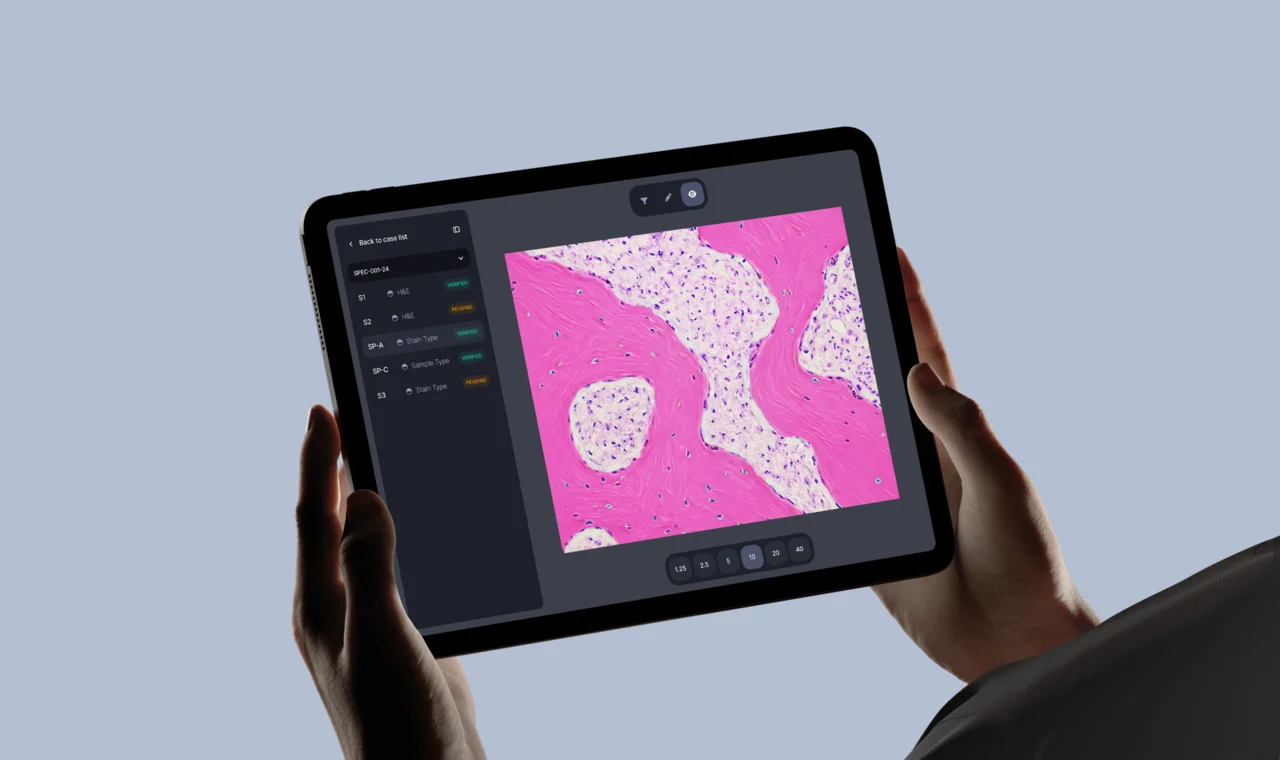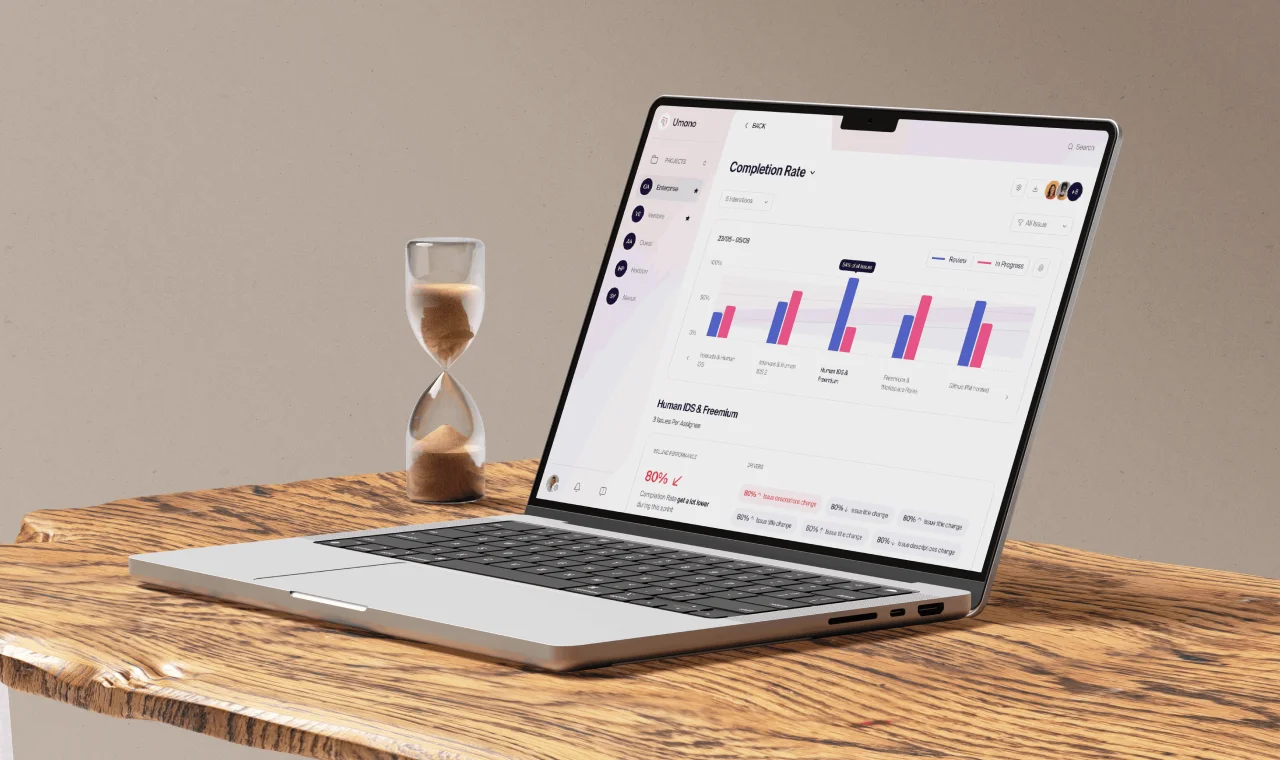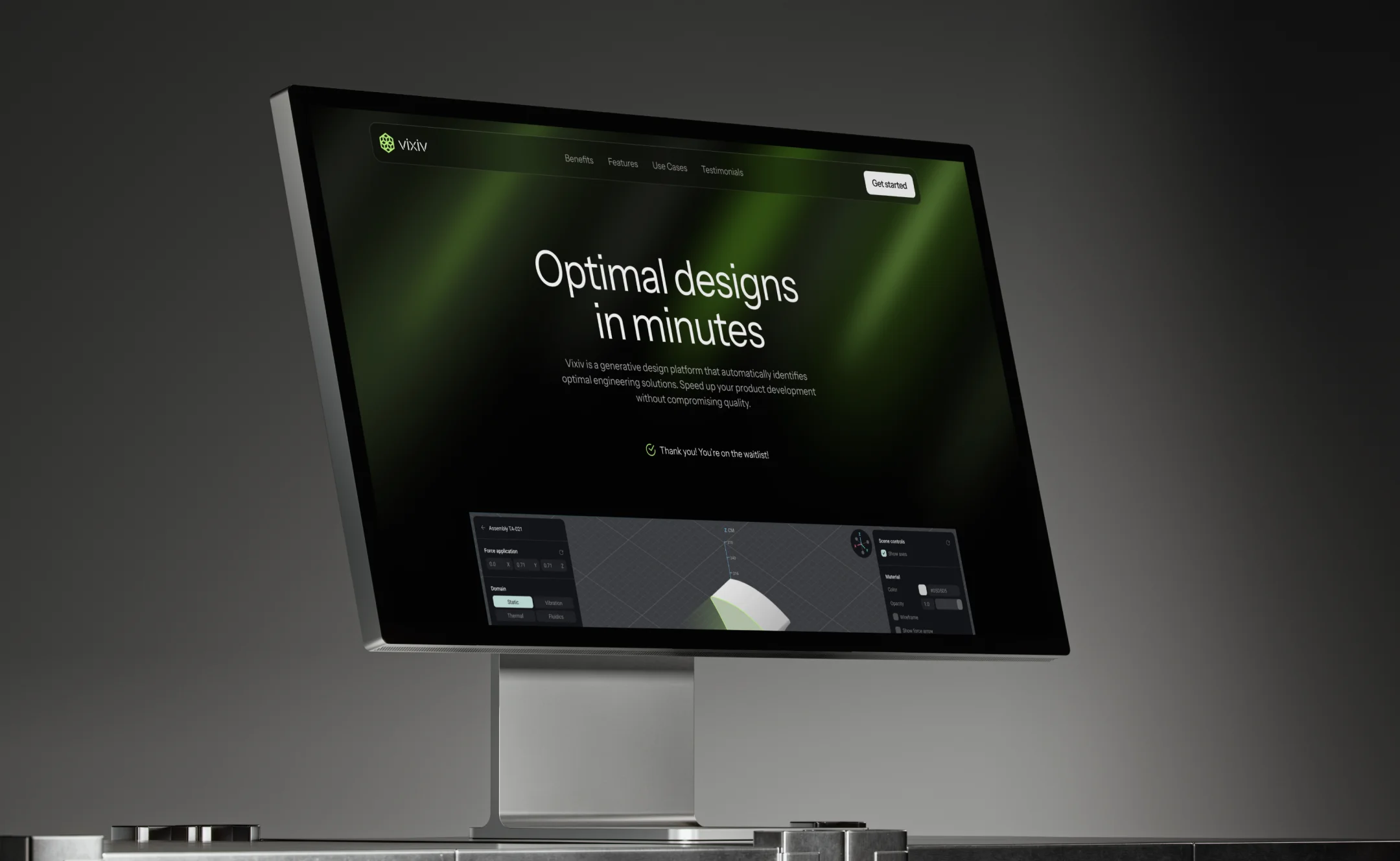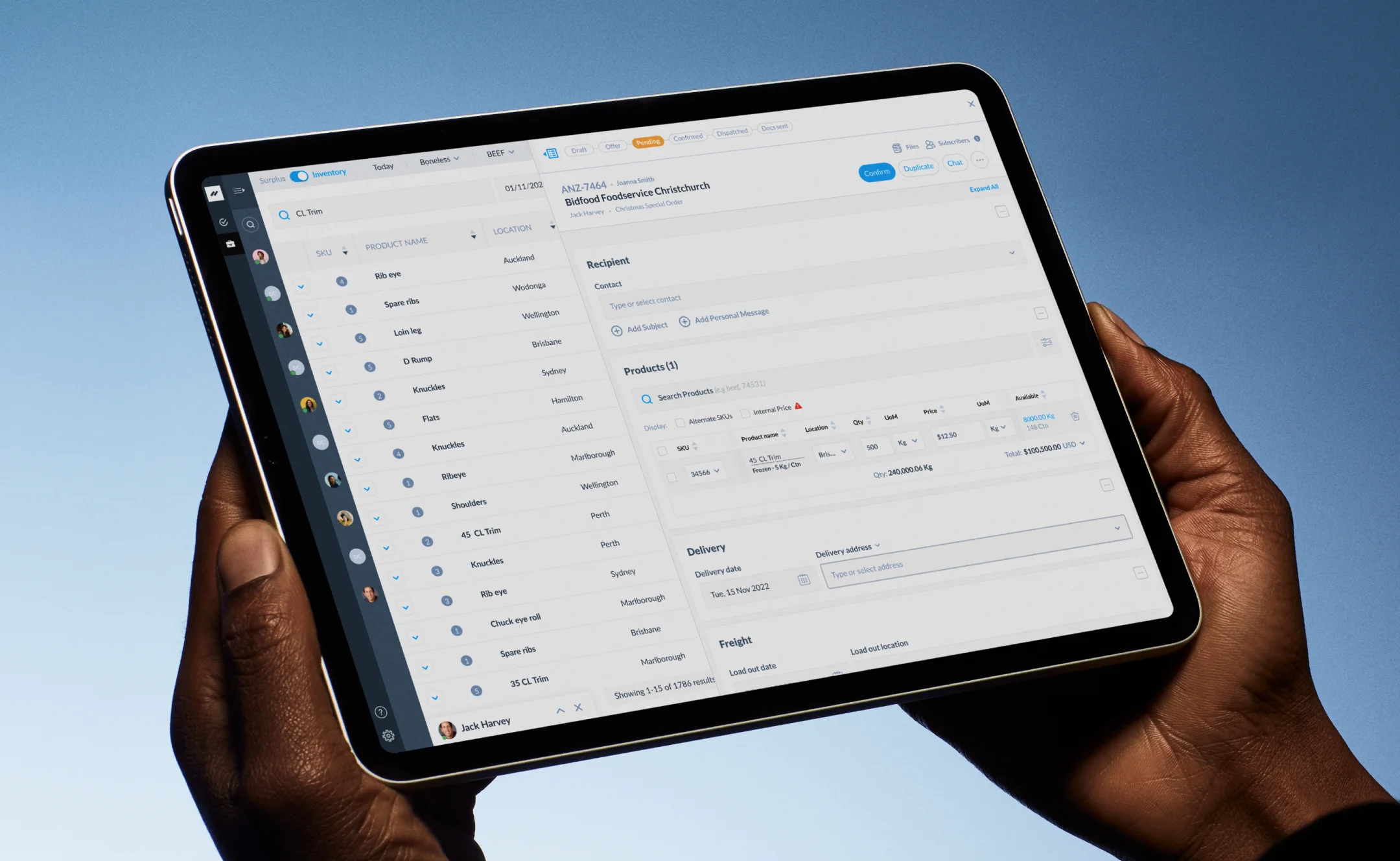




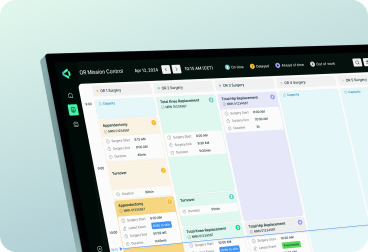

Enterprise mobile software is used standing up — in a warehouse, on a site, between appointments — by people who were assigned the app rather than choosing it. Adoption is not a marketing problem; it is decided by how many taps a shift takes.
So we design for those conditions: role-based interfaces showing only what a job requires, offline behaviour and sync conflicts designed as core flows, and SSO, enrolment, and permission screens that satisfy IT without punishing the person using them.


Your company has grown, but the brand no longer reflects scale or direction.
Your company has grown, but the brand no longer reflects scale or direction.
Your company has grown, but the brand no longer reflects scale or direction.
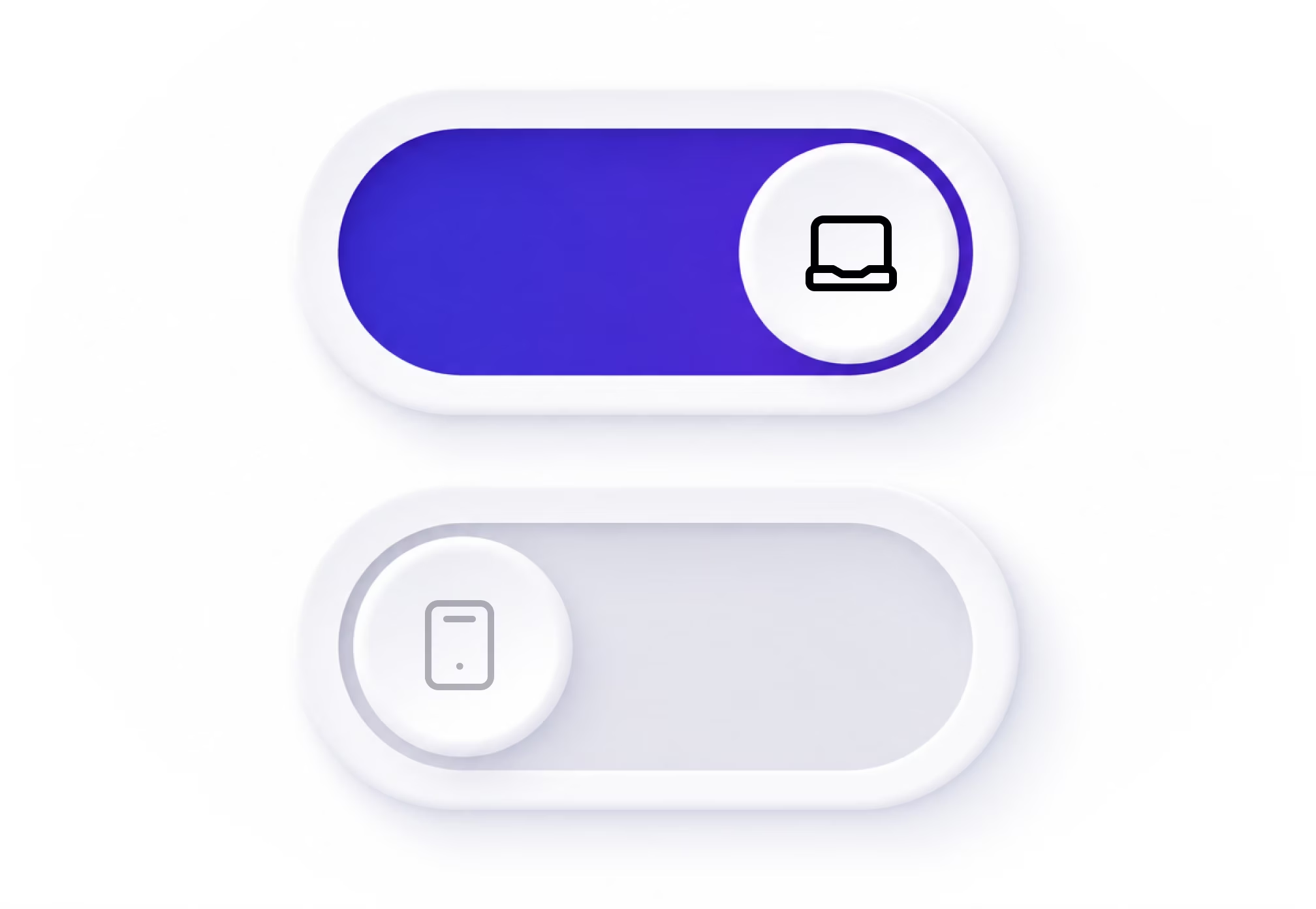
The full enterprise interface ported over — a field task takes twenty taps.
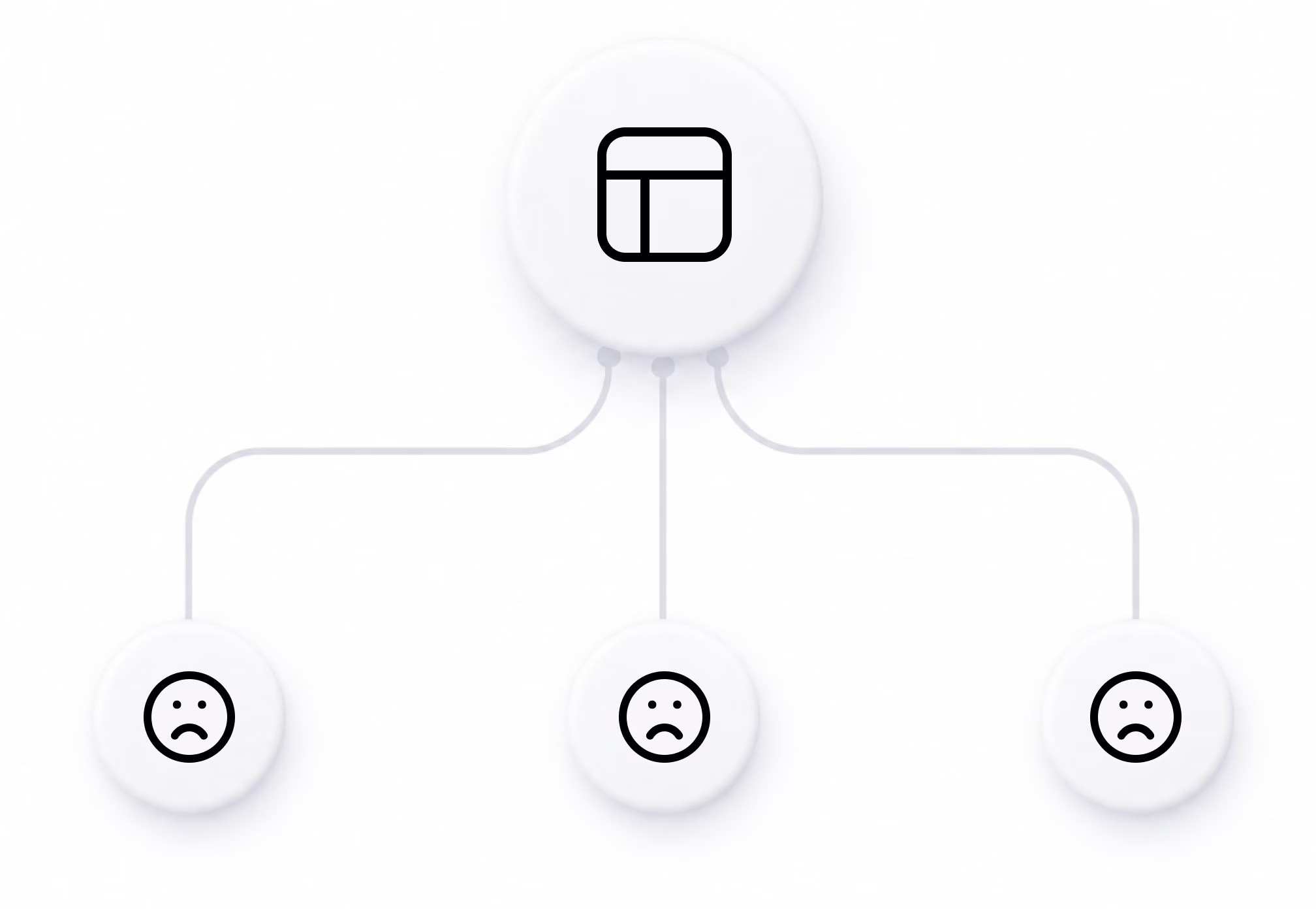
One interface for technicians, managers, and admins — nobody sees their work.
The app stops working in the warehouse or basement where the job happens.

“All projects in which we’ve involved Halo Lab have been great successes, but their leadership on our brand refresh is worth highlighting.”

“We’ve had feedback from users, investors, and employees, and everyone has said that Halo Lab did a fantastic job with the branding.”

“We’re proud of their branding services. They not only do what we tell them but also make suggestions to help us improve our offerings.”

What we deliver
Separate views for field, supervisor, and admin roles, each showing only what that job needs.
Daily tasks designed for gloves, glare, and standing use in short bursts between other work.
Offline capture, queued actions, and conflict resolution designed as normal behaviour, not errors.
Barcode, photo, and form capture designed so a shift keeps moving rather than pausing for data.
Requests, approvals, and escalations handled from a phone without a trip back to the desktop.
Login, device enrolment, and permission states designed around the requirements IT already has.
Onboarding, training, and in-app help designed for staff who were assigned the app, not sold it.
Reusable component library delivered, so your team ships new screens without a full redesign.


How we work

Start with a strategy call where we align on your goals, challenges, and priorities, and set a clear direction for the entire branding process.
3–4 Days
Research & analysis
 (1).avif)
We map each role, the shift it works, and the physical conditions the app is used in, before any flow or screen is designed.
.avif)
We structure role-based navigation, permissions, and task flows — validated before wireframing begins.
.avif)
We wireframe critical enterprise screens — field task, approval, and offline states — validated before full visual design.
.avif)
We design every screen for iOS and Android — and build the component library alongside each flow.
.avif)
Annotated Figma files, platform specs, and component documentation — your team builds without ambiguity.
Start with a strategy call where we align on your goals, challenges, and priorities, and set a clear direction for the entire branding process.
3–4 Days
Research & analysis
Industries we serve

Mobile app design for hospitals, clinics, and health systems.
Mobile app design for banks, insurance firms, and financial platforms.

Mobile app design for logistics, transport, and supply chain companies.

Mobile app design for property developers and management firms.

Mobile app design for schools, universities, and e-learning platforms.

Mobile app design for Web3 startups and blockchain-based products.

Mobile app design for wellness brands, gyms, and fitness studios.
Mobile app design for tech companies, software products, and platforms.

120+ experts and 500+ projects provide insights into solutions that fit the market.

Projects start with research, positioning, and clear goals for data-driven decisions.
No templates or generic patterns — only custom design shaped for your objectives.
We turn complex ideas into clear, scalable designs for SaaS, B2B, and tech companies.

Structured communication and transparent workflows keep you aligned at every step.

Clear pricing and adaptable scopes help you stay on budget and ensure top quality.
“Halo Lab is very organized in planning to achieve the goals within the set deadlines. We feel they were part of our internal team project.”

“Their experts have a very diverse range of skills and always find a solution to exposed issues. The communication process was clear.”

“During the collaboration, Halo Lab prioritized our people, always taking into account our input and ideas and giving all team members a voice.”

“The Halo Lab team unified branding across our patients’ app, showcasing professionalism, convenience, and consistency.”

“Halo recreated our existing portal with a modern and beautiful experience, greatly increasing usability and delight for the end user.”

“Halo Lab is brilliant. We were impressed with their timely delivery, cost-effectiveness, and the people who knew what they were doing!”

“The value we get from Halo Lab and their quality designs sets them apart from others. They are the right mix of price, talent, and style.”

“We gave the Halo Lab team a chance, and we immediately knew they were the ones we wanted to work with.”

“The Halo Lab work pleasantly surprised us, and bringing in their professional design team has been a worthy investment for us.”

“When collaborating with Halo Lab, we felt that communication was straightforward and that the deliverables fit what we expected.”

“Halo Lab has helped us with a rebrand and defined a new name, logo, and color palette. We’ve had a great experience working with them.”


13 years
We’ve built one of the most trusted agencies
150+
Specialists in design, engineering & product management
78%
Returning clients in Europe & North America
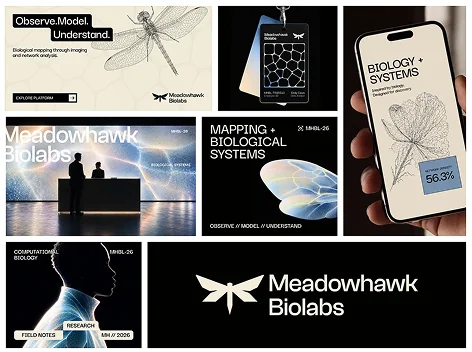
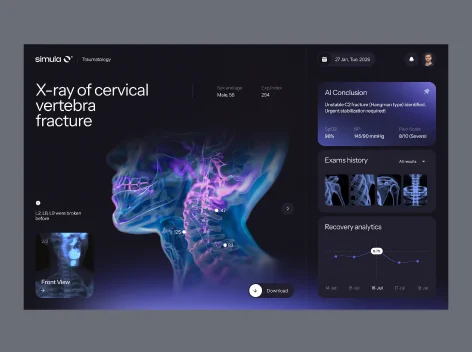
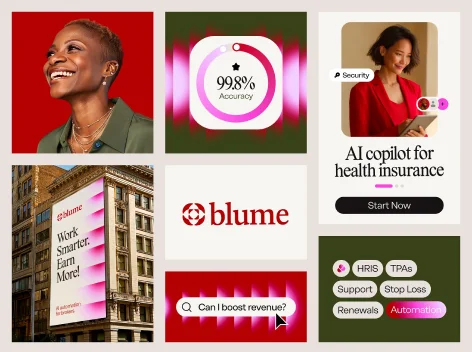
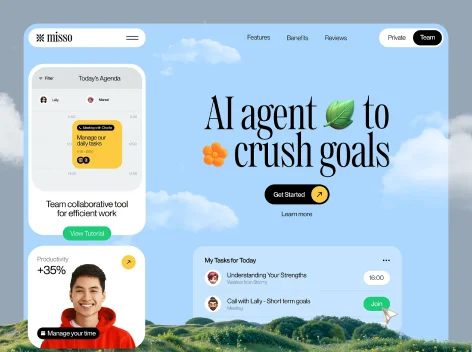
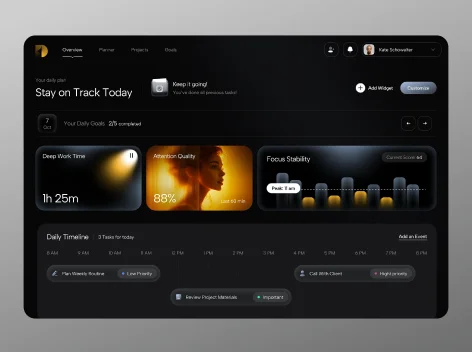
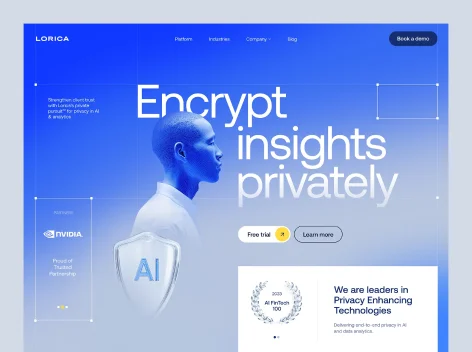

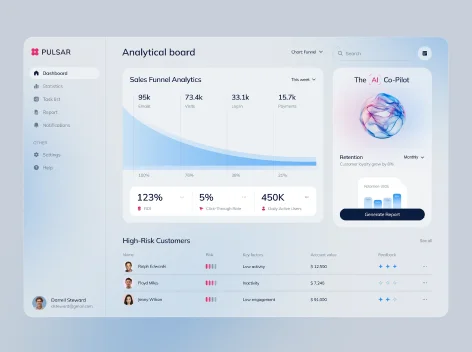
Role-based interface design, field task flows, offline and sync behaviour, scanning and data capture, approval and workflow screens, SSO and access states, adoption and rollout design, usability testing, and a design system with engineering handoff.
Each role gets its own home screen and navigation. A technician sees today's jobs, a supervisor sees exceptions, an admin sees configuration — nobody scrolls past work that belongs to someone else.
Offline is a normal state, not an error. Capture continues, actions queue, and sync conflicts have designed resolution screens — because the warehouse and the basement are where the work happens.
By cutting taps on the tasks done every shift, and by designing onboarding and in-app help for staff who did not choose the tool. Adoption follows speed on the daily task, not features.
Yes. Barcode and photo capture, hardware scanner triggers, large touch targets for gloves, and high-contrast layouts for glare are designed into the core flows rather than added later.
Most enterprise app design projects run 12 to 18 weeks from discovery to handoff, depending on the number of roles, integration scope, and how many workflows are in the first release.
Yes. SSO, MDM enrolment, permission states, session timeouts, and audit requirements are treated as design constraints from the start, so screens satisfy IT without frustrating the person using them.
Yes. Prototypes are tested with the staff who will actually use the app, on their own devices and in their own conditions, before a single screen goes to engineering.
Yes. Design and development are delivered by one team — iOS, Android, or cross-platform build, ERP and backend integrations, offline sync engineering, and QA before rollout.