







Many software ideas never make it to full implementation, regardless of how strong they are. The difficulty lies in the deep technical expertise required. However, today, software creation is shifting away from complex programming toward intuitive interfaces that anyone can use.

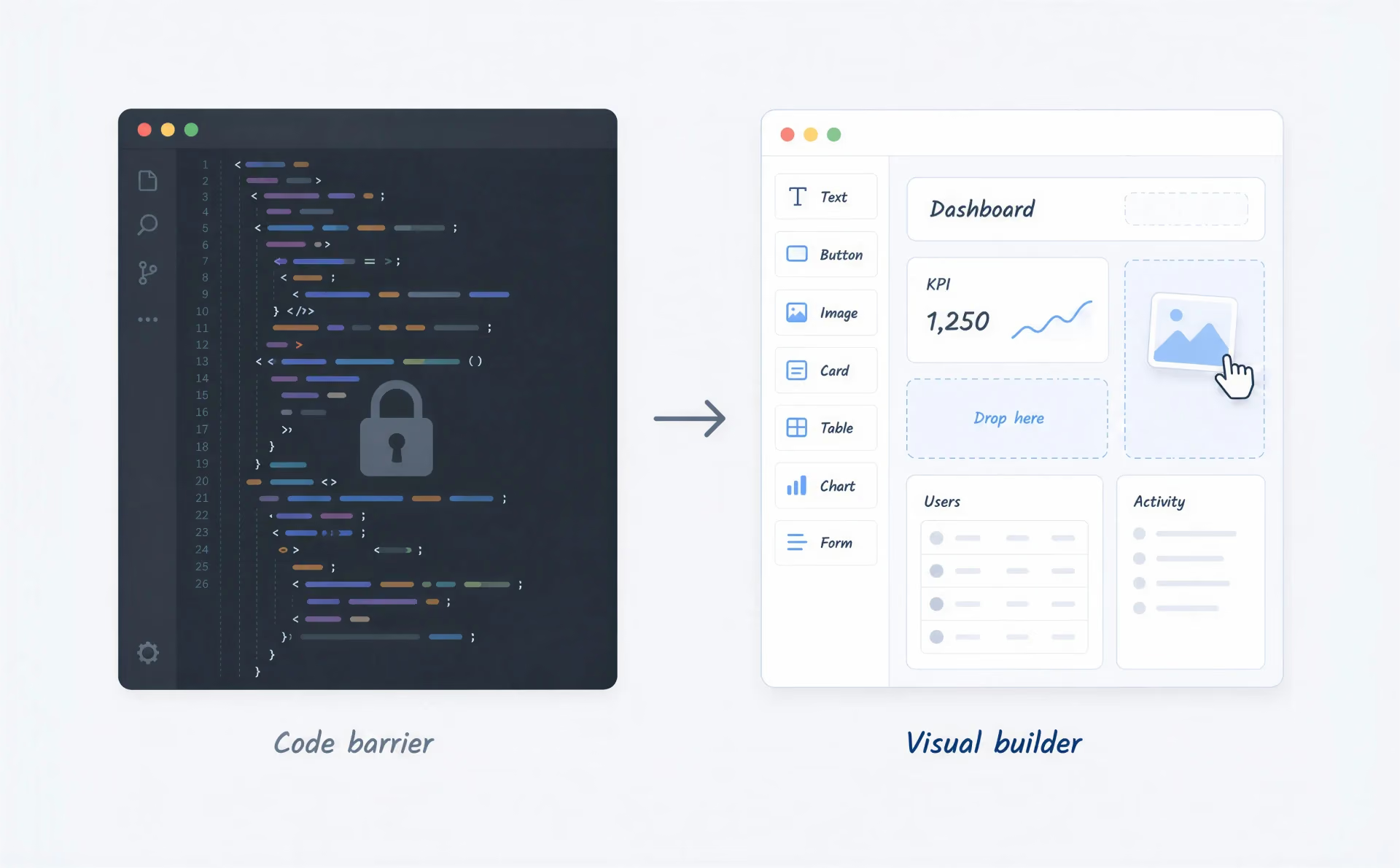
This shift is already reshaping how products get built — and how quickly ideas reach the people they’re meant for. It’s why low-code / no-code trends are dominating the tech industry, allowing companies to pivot quickly and innovate without getting bogged down in technical debt. Through the following article, you’ll learn how to launch applications in just a few weeks and choose a system that scales with your business. But first, let’s clarify what low-code and no-code actually mean.
Low-code development allows teams to build applications rapidly by reducing the need for manual coding. You get a visual workspace where you can just drag and drop pieces to create your app. If a task calls for something more complex, you can still jump in and write your own custom code. Basically, this kind of development combines the speed of visual building with the power of traditional programming. Such a combination comes from a specific set of features.
These capabilities are designed to help teams build functional software without the overhead of traditional coding environments, and three of them stand out in particular.
The visual editor is one of the most prominent features. Instead of writing lines of text, you can move visual blocks to create interfaces and logic. This approach significantly speeds up low-code app development, allowing teams to see their changes in real time.
While the visual tools handle the heavy lifting, the platforms don’t lock you out of the code. Developers can still inject scripts or modify the underlying architecture. This is what distinguishes low-code from pure no-code solutions — the option to “pop the hood” and tweak the engine remains available for advanced needs.
Business logic often requires connecting different steps in a process. Low-code platforms excel here by offering pre-built tools to automate workflows. You can set up triggers and actions visually, streamlining operations without needing to write complex backend logic. Such a focus on automation is a key driver behind the future of low-code development.
Low-code earns its place not by replacing developers, but by changing what they spend their time on.
Low-code is a strategic choice for specific technical requirements. Following this path really comes down to how much data you’re handling, how complex your systems are, and how hands-on you want developers to be.
When you need to build a large-scale application that handles heavy data loads or complex user permissions, low-code is often the right decision. It provides the robust framework needed for enterprise apps while still accelerating delivery. This is a major reason why low-code trends are gaining such traction in the corporate world.
Enterprise environments rarely use just one software. You’ll often need to connect a CRM, an ERP, and a marketing tool. Low-code platforms usually come with extensive API support and pre-built connectors, making it easier to link disparate systems.
Low-code is easy to use for non-techies and boosts productivity for pros. If you have a development team, such tools let them skip the repetitive setup work and focus on the hard problems. A developer who would otherwise spend a week building a form-heavy admin panel can redirect that time toward the integrations or custom logic the platform can’t handle on its own.
Applications built on low-code platforms are often designed to scale. They are developed on cloud-native systems and can easily scale as your users and data grow. This ensures that the software you build today won’t crash when your business doubles in size tomorrow. In practice, it means the team doesn’t need to provision servers, configure load balancers, or redesign the data layer when traffic spikes — the platform absorbs that complexity by design.
{{banner}}
Several platforms have established themselves as leaders in this space, each catering to different enterprise needs:
No-code development is exactly what the name suggests: building applications without any coding at all. It relies entirely on visual tools, which makes that approach accessible to business customers, marketers, and designers. Understanding no-code starts with its core features, real-world uses, and the platforms that bring it to life.
The following features, together, define what working with a no-code platform actually feels like day-to-day.
You design the user interface and the logic flow using a “What You See Is What You Get” (WYSIWYG) editor. This removes the abstraction of code entirely, making platforms incredibly intuitive for beginners.
To speed up creation even more, the no-code platforms offer libraries of templates. A solid foundation is essential for any directory, landing page, or marketplace. No-code templates provide this starting point, allowing you to focus on customization rather than basic infrastructure. This is why such platforms are the go-to for rapid prototyping.
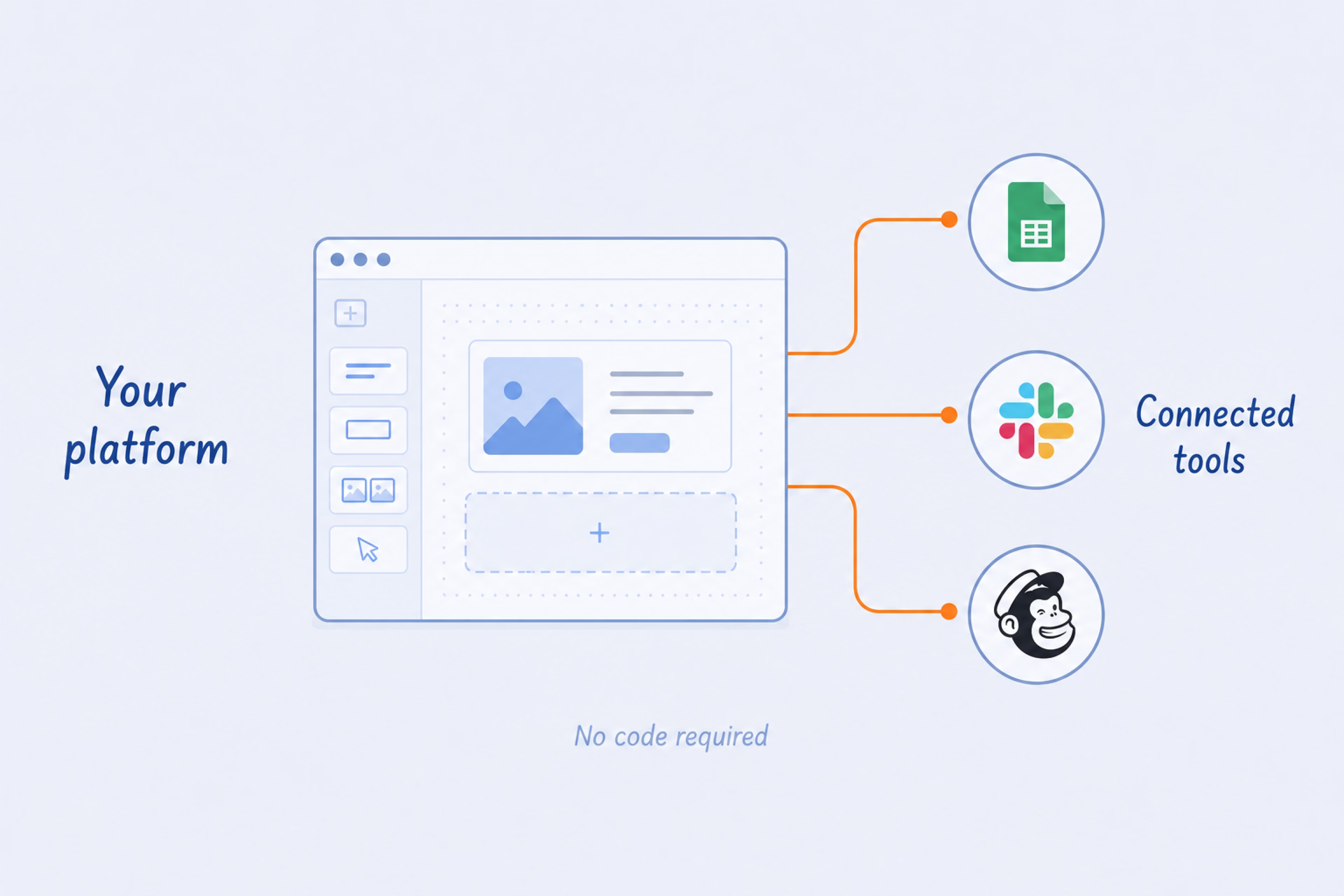
No-code tools play nice with the software you already use, like Google Sheets, Slack, or Mailchimp. Connecting the mentioned services enables you to build powerful ecosystems without needing a developer to write API calls.
This is your right choice when you need to move fast and keep things simple rather than focusing on deep technical tweaks. Here is when no-code development delivers the most value:
A marketing site, a portfolio, a basic product page rarely need custom architecture — and building them that way adds cost and time the project doesn’t justify. Visual platforms were designed for exactly this scope, and they handle it completely.
{{banner-2}}
Speed is often the most critical factor for new companies. No-code initially allows founders to bypass the developer hiring process. You can get your product to users right away, allowing you to collect feedback and make quick improvements.
Marketing and HR teams often need internal tools, but can’t get engineering time. No-code development empowers them to build their own solutions. When “citizen developers” can solve their own problems, the whole organization moves faster.
For example, a marketing team that needs a lead tracking dashboard no longer has to wait six weeks for an engineering sprint. They can build and iterate on it themselves in a few days.
If your project fits within standard functionality — like a content site or a simple database app — no-code is a good solution. There is no need to build the basics from scratch when they are already available. The clearest signal is whether the project requires behavior the platform doesn’t support natively — when everything on the feature list maps to something the platform already does.
The no-code market is rich with platforms that cater to specific niches, giving teams of any size a practical starting point:
Of these, Webflow has the steepest gap between a basic setup and a well-built one — in performance, in SEO, and in long-term maintainability. Professional Webflow development makes that difference visible from the first page load.
While the terms are often used together, they serve different needs and different teams. The table below breaks down the key differences between the two:
| Feature | Low-code | No-code |
|---|---|---|
| Technical skills required | Basic coding knowledge is beneficial; often requires developers for complex logic. | No technical background needed; purely visual. |
| Target audience | Professional developers and IT teams. | Business users, marketers, and “citizen developers.” |
| Flexibility & customization | High; allows for custom code injection and complex architecture. | Moderate; limited to what the platform’s visual tools allow. |
| Use cases | Enterprise apps, legacy integration, scalable systems. | MVPs, simple websites, internal tools, quick prototypes. |
| Scalability | High; designed to grow with the enterprise. | Variable; can struggle with very high complexity or data loads. |
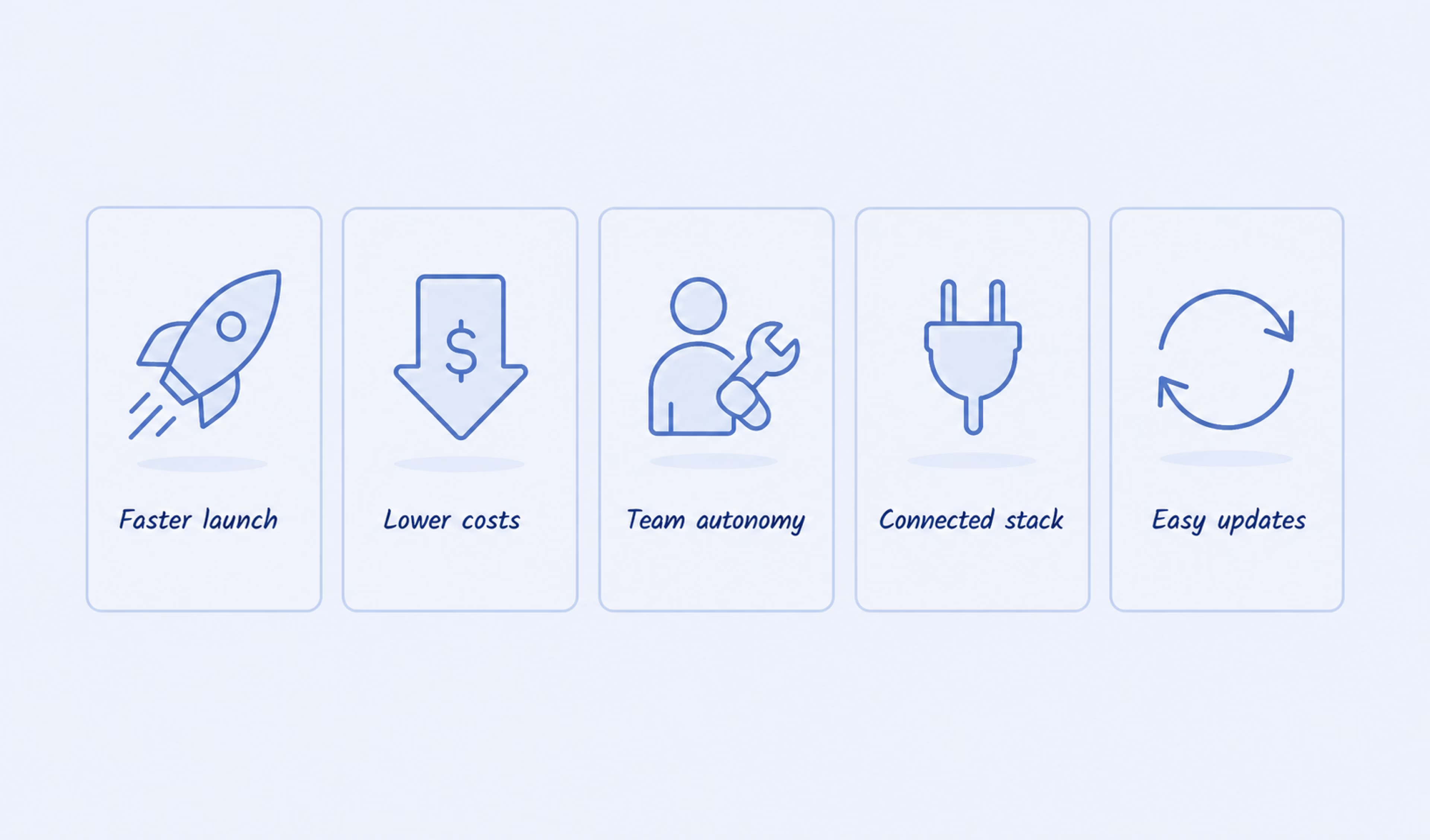
Whether you’re a small startup or a global enterprise, the advantages of these platforms directly impact your bottom line and operational speed. Let’s look at the most significant ones:
Traditional development cycles can take months. Visual development compresses that into weeks — from prototype to deployed product — without the handoffs, bottlenecks, and rework cycles that slow conventional builds.
Hiring a full team of senior developers is expensive. By reducing the time it takes to build apps and enabling less technical staff to contribute, you significantly lower your burn rate. This cost efficiency allows businesses to allocate resources to marketing and sales instead of just engineering, which is why low-code / no-code application development is so attractive to budget-conscious leaders.
You must enable the department leaders to build their own apps to align software development with your actual business needs. Handing people the tools to build their own solutions is a way to close the gap between IT and the rest of the business.
Modern businesses run on a complex web of software, from CRMs to payment gateways. Platforms in this space are designed to connect the dots effortlessly, often with pre-built plugins. Because low-code / no-code software focuses on staying connected, you won’t have to deal with data silos that keep your information trapped in one place.
In a traditional setup, making changes can require rewriting large chunks of code. However, with visual platforms, you can tweak and update applications on the fly. This flexibility ensures your low-code app development projects can adapt immediately to user feedback or market shifts.
While the benefits are clear, you must be aware of the challenges. Like any technology, low-code and no-code solutions come with constraints that you need to manage effectively to secure long-term success.
Visual tools work well for standard tasks, but they have limits. If you need highly specific or complex features, the platform’s built-in capabilities aren’t enough. If your user base grows into the millions, some platforms might struggle with performance. To mitigate this, it’s crucial to evaluate the architecture of the no-code / low-code platforms you choose early on, making sure they support the growth you need.
A common scenario: a startup builds an MVP on a no-code platform and gains traction. Then it discovers that the platform can’t support the custom logic or data volume required by the next stage — forcing a costly rebuild on a different stack.
When anyone in the company can build an app, “shadow IT” becomes a risk. You might end up with dozens of unmonitored apps floating around, which creates security vulnerabilities. Establishing clear IT protocols is essential. You need to define who can publish apps and how data is handled.
In practice, shadow IT often starts small — a spreadsheet automation here, a form builder there. It becomes a compliance problem only when someone asks where the customer data actually went.
Building on a proprietary platform means you are tying your business to their roadmap and pricing. If they hike prices or shut down, you could be in trouble. It’s smart to look for platforms that allow you to export your source code or data. This exit strategy protects your investment in low-code trends and ensures you retain ownership of your IP. A company that spent eighteen months building on a platform that later doubled its pricing has two options — pay or rebuild.
Every platform that removes complexity also removes some of your control over what happens next.
Some platforms manage to straddle the line effectively, offering the ease of visual building with the depth of code. Webflow is a prime example — a visual canvas that writes clean, semantic code in the background, giving designers full control over layout and behavior without touching a stylesheet directly.
Whether it makes sense for a given project depends heavily on context — our guide to choosing Webflow covers the benefits and the cases where it earns its place. Teams moving away from an existing CMS will find the WordPress vs. Webflow comparison more useful as a starting point. Meanwhile, those where marketing automation is already central to the stack should look at how Webflow and HubSpot compare as competing choices before deciding.
What makes the mentioned platform useful in practice comes down to a specific set of capabilities — the ones that separate a well-built site from one that merely looks the part.
Webflow earns its reputation from how its capabilities work together in one environment. Here is what that combination looks like in practice:
Webflow’s designer interface allows you to build complex layouts using a visual representation of HTML and CSS. You get total design control without wrestling with syntax. Every element users place generates clean, exportable code in the background, which means the design and the codebase stay in sync from the first drag to the final deployment.
Unlike more limited builders, Webflow gives you the freedom to drop custom code right into the head or body of any page. This means if you need a specific JavaScript animation or a third-party integration, you can add it easily.
You can connect your site to virtually any other service using Webflow’s CMS API and Logic features. This transforms a basic, static site into a powerful tool that actually works for your business. It moves beyond simple design into the realm of functional low-code / no-code application development.
Webflow’s CMS enables you to model content using custom collections — such as team profiles or product catalogs — without managing a complex database. Designers can build layouts using real data rather than placeholder text, while marketing teams can perform on-canvas editing to update live content without touching the underlying code. How well that architecture holds up as the site grows depends largely on how the collections are structured from the start — which is where CMS development expertise makes the most visible difference.
Because you are designing and developing simultaneously, the time from concept to launch is drastically reduced. There is no “handing off” designs to engineers; the design is the code. This efficiency is a major reason why low-code / no-code trends favor platforms like Webflow.
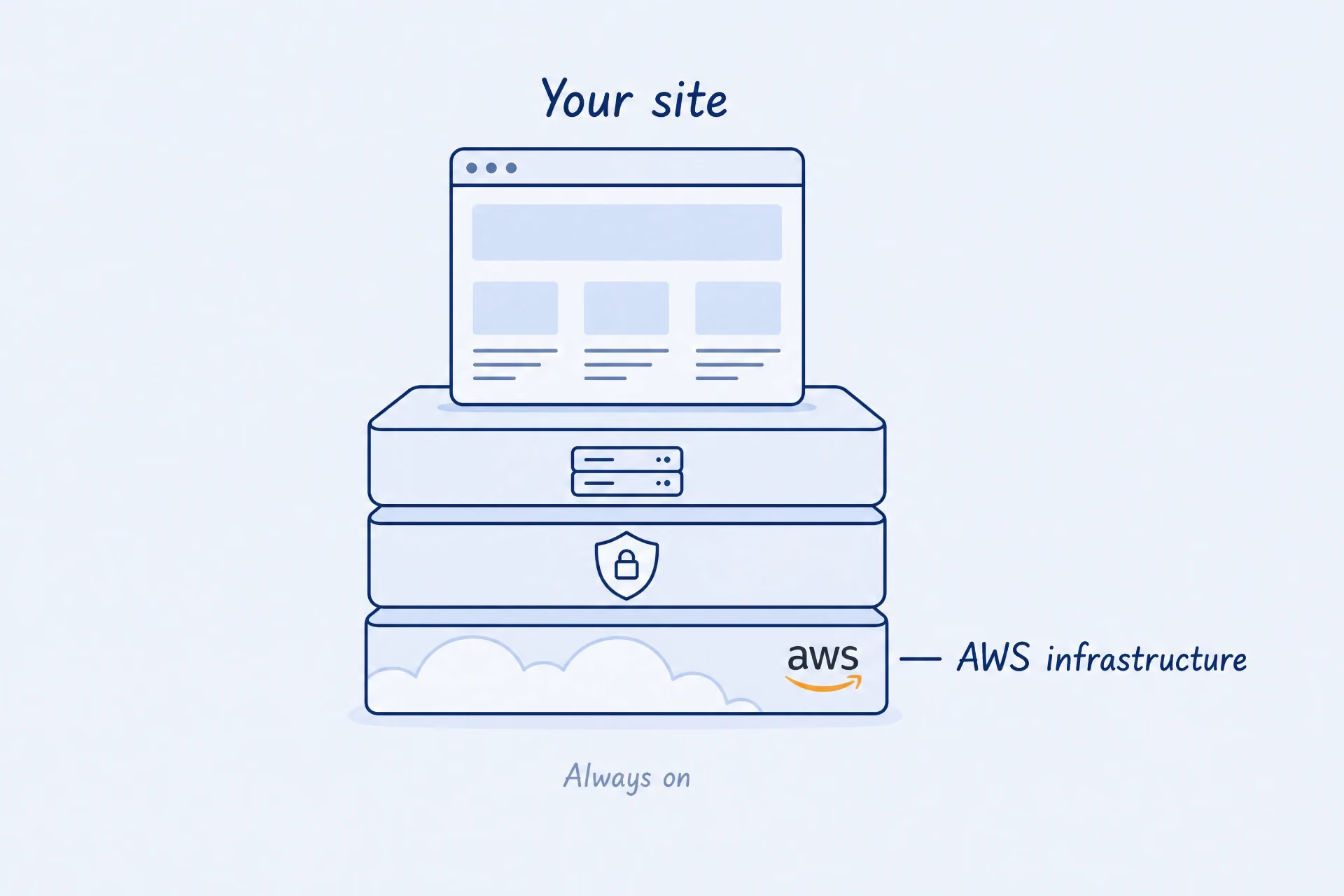
Webflow hosts sites on AWS, ensuring enterprise-grade reliability and speed. You don’t need to worry about updating plugins or keeping up with server maintenance. This peace of mind allows you to focus on growth rather than development.
At Halo Lab, we’ve seen firsthand the way these tools transform businesses. Here is how our team used them to help clients scale.
ZoomSphere is a social media management platform built for brands, agencies, and marketing teams. When the team approached us, they were in the middle of repositioning the product — expanding it beyond a traditional toolset toward a more flexible, ecosystem-driven platform. The challenge was to present this evolution in a way that felt intuitive and cohesive for both new users and existing customers.
We built the marketing site in Webflow using a low-code approach, enhancing it with custom JavaScript. Swiper.js powered dynamic content sliders, while Matter.js enabled physics-based interactive elements that respond to user movement. Our collaboration extended beyond launch, with ongoing support for new pages and continuous updates as the product evolved.
Relocate Now, a spin-off of Portuguese advisory firm Westonbridge, simplifies international relocation for people navigating paperwork, legal hurdles, and the logistical weight of moving abroad. The company’s site needed to feel warm and reliable from the first visit — the kind of product that reassures rather than overwhelms.
Our team built it in Webflow with a low-code approach, adding custom JavaScript for tailored functionality and a Google Maps integration that lets users visualize their move on a map.
Nettra Media is a US-based lead generation agency serving credit unions, banks, and service-based businesses. This company, which has a bold, humor-driven brand identity, needed a site capable of expressing it without paying a performance penalty. The challenge was: RGB color scheme, custom GIFs, and complex animations across every page.
We chose Webflow as the foundation, followed a low-code approach, and layered in custom JavaScript libraries to handle the animation load. Then our team made deliberate tradeoffs on mobile — stripping back some effects while keeping the GIFs, because removing them would have flattened the identity the site was built around.
The shift toward visual development is a fundamental change in how we build the Internet. By adopting these tools, you can move faster, reduce costs, and empower your team. However, to get the most out of low-code and no-code, you need the right strategy and the right partner.
Building a digital product often stalls when teams are forced to choose between design quality and development speed. Relying on traditional methods can lead to long wait times and high costs, while basic site builders often lack the scalability needed for a growing business. Modern visual low-code / no-code platforms resolve that tension, but only when they’re chosen and implemented with the product’s actual requirements in mind.
{{banner-3}}
Not entirely. While these tools are powerful, traditional coding is still necessary for highly complex, bespoke systems or high-performance gaming. However, for the majority of business applications, low-code and no-code solutions are rapidly becoming the standard.
Yes, but you must opt for reputable platforms. Top-tier tools put a lot of money into security certifications like SOC 2 and GDPR to keep everything compliant. Internal governance is also critical to ensure software is used safely within your organization.
These platforms excel at internal tools, MVPs, marketing websites, and e-commerce stores. If you need to validate an idea quickly or automate a standard business process, no-code / low-code platforms are usually the best starting point.
Timelines vary by project, but the gap relative to traditional development is significant — simpler builds can go from concept to deployment in days rather than months. More complex applications typically ship in a fraction of the time a hand-coded equivalent would require.
By reducing technical overhead, you can redirect budget and energy toward customer acquisition and product improvement. Additionally, the agility to iterate quickly means you can respond to market feedback instantly.
Yes. By removing the bottleneck of waiting for engineering resources, other departments can solve their own problems. This autonomy speeds up the entire organization.


.avif)