





A feature ships, the sprint closes, and the first real users finally try the flow. But they stall at a step nobody thought twice about, and fixing it means reopening code that was just written. Everything looked clear in the design, so why did the problem surface only once people started using it?

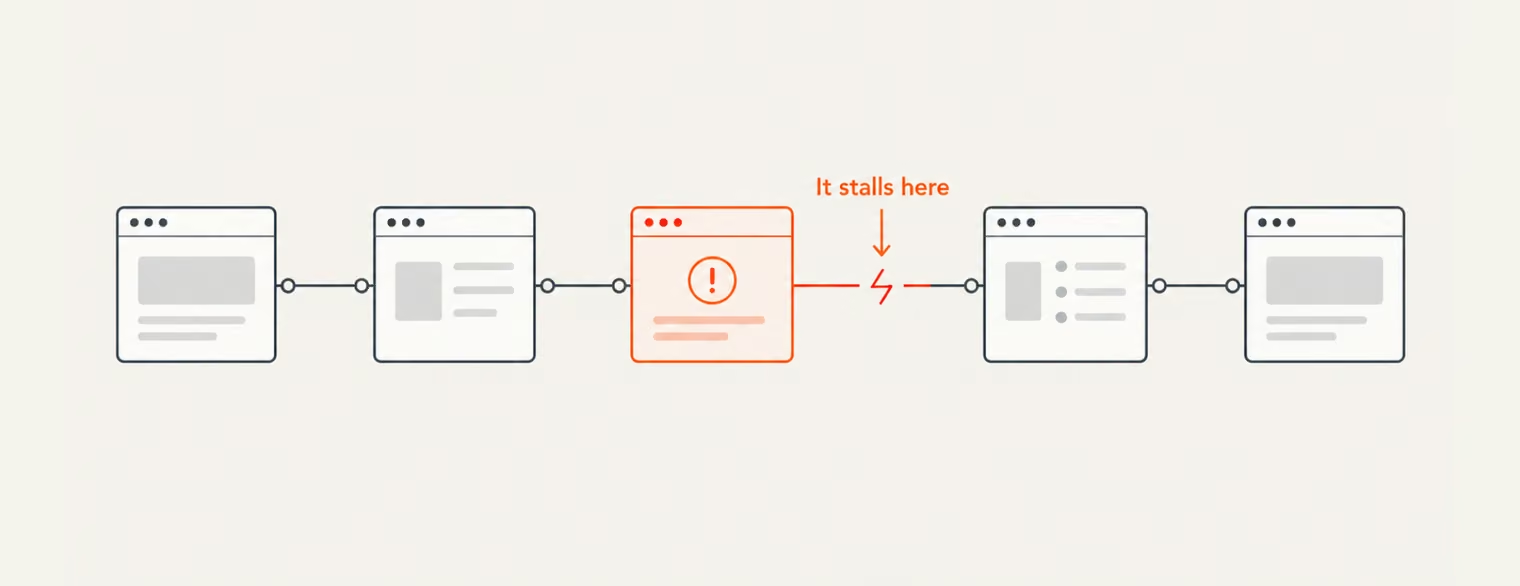
Some problems are hard to spot until someone actually moves through the flow. A high-fidelity prototype brings that test forward, giving people something realistic enough to click through, react to, and use before development begins.
The earlier that happens, the cheaper the correction usually is. In a prototype, a problem may mean revising a few screens or interactions. Once development is underway, the same issue can reach code, QA, documentation, and release plans. This article looks at what high-fidelity prototypes can expose before that happens, where they save the most rework, and when the extra effort of building one is worth it.
A high-fidelity prototype is an interactive model of the product that looks and behaves close to the finished version. Where a rough wireframe stands in for the idea, this one carries real content, working navigation, proper visual design, and the screen states and transitions people are likely to encounter.
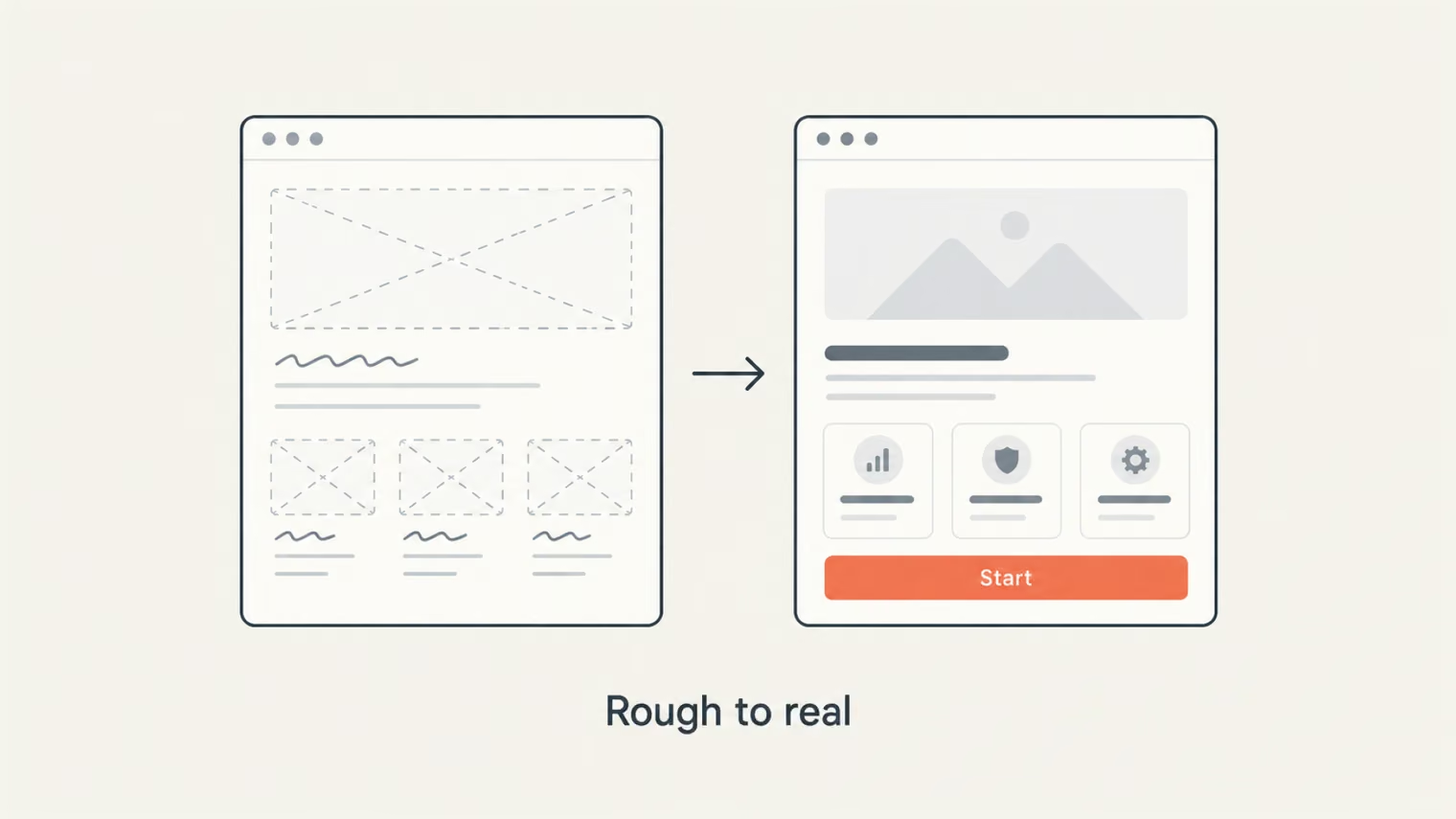
Once people can click, type, scroll, and move through the flow, it becomes easier to see where they hesitate, get confused, or take the wrong path. Most teams build high-fidelity prototypes without code in tools such as Figma or ProtoPie. A coded prototype is more useful when the team needs to test something the design tool cannot reproduce, such as behavior tied to the real stack. Our guide to what a UX prototype is covers the wider range, from early sketches to coded versions.
A high-fidelity prototype does not replace the rougher versions that come before it. Low-fidelity prototypes help teams explore structure and direction quickly, while high-fidelity ones are better suited to testing how the experience holds up with more realistic content, interactions, and states. The comparison below shows where each fits best and what it can help validate.
| Aspect | Low-fidelity prototype | High-fidelity prototype |
|---|---|---|
| Purpose | Explore structure and ideas quickly | Validate detailed flows and interactions |
| Stage | Early concept and structure | Later design and validation |
| Level of detail | Rough shapes, placeholder content | Realistic content, visuals, and interactions |
| What it can test | Layout, flow, basic logic | Usability, states, timing, interaction details |
| Cost and time | Lower effort | Higher effort |
The same design problem can stay small or become expensive depending on when the team finds it. Before development, a change may affect only a few screens or interactions. Once coding begins, that same decision can spread into implementation, testing, documentation, and release planning.
In a prototype, changing a flow is usually still a design task. A few screens may need to be rearranged, some copy changed, or an interaction adjusted before the team tests it again.
Once development is underway, the same change is harder to isolate. Developers may need to update the logic behind the flow, QA has to test the new behavior, and related documentation or design system components may need changes too.
If the problem is found after launch, the team is fixing it while people are already using the product. That can mean support tickets, another release, and extra work around an issue that could have been addressed much earlier.
“The later a design problem shows up, the more people and work it tends to involve.”
Take an onboarding step where users need to connect an account before they can move on. The screen does not explain enough, so some people pause, go back, or drop out of the flow. If that happens in prototype testing, the team can change the order of the steps, rewrite the copy, adjust the interaction, and test it again before any code is touched.
After release, the same problem is harder to fix cleanly. The design still needs changing, but now developers have to update the flow, QA has to retest it, and the work has to fit into another release. Documentation or related components may need updates too. By that point, users are already running into the problem while the team is working through the fix.
The range of what a prototype can catch is wider than many teams expect, reaching from how people behave in a flow to what the chosen technology will allow. The most common of these problems fall into a few recurring types, each worth taking on its own.
The expensive flaws cluster where the stakes are highest, in signup, in checkout, in whatever a user actually came to do. The team has walked those flows so often it no longer sees them. Someone meeting them for the first time catches exactly what the team stopped noticing:
These stay out of sight on a static mockup because it holds still, while a real product would respond to the user. Catching them does not take a big study: Nielsen Norman Group found that testing with as few as five users uncovers most of a design’s usability problems, with each additional tester revealing steadily fewer. Several short sessions are usually enough to stop the bulk of them from reaching production.
“Edge case” is a misleading name. It makes these states sound like rare corners, reached by a few unlucky users. In fact, they are part of what nearly everyone runs into on an ordinary visit:
These states are easy to overlook when the team is focused on the happy path. A new user may open an empty dashboard, a payment may fail, or a long name may push a component beyond its intended layout. If those cases are built into the prototype, the team can see what actually happens before developers have to make the call during implementation.
Trying them early is simple: load the first-use state, enter unusually long content, or trigger an error. Problems that seemed minor in a static review often become much more obvious once the full flow is used.
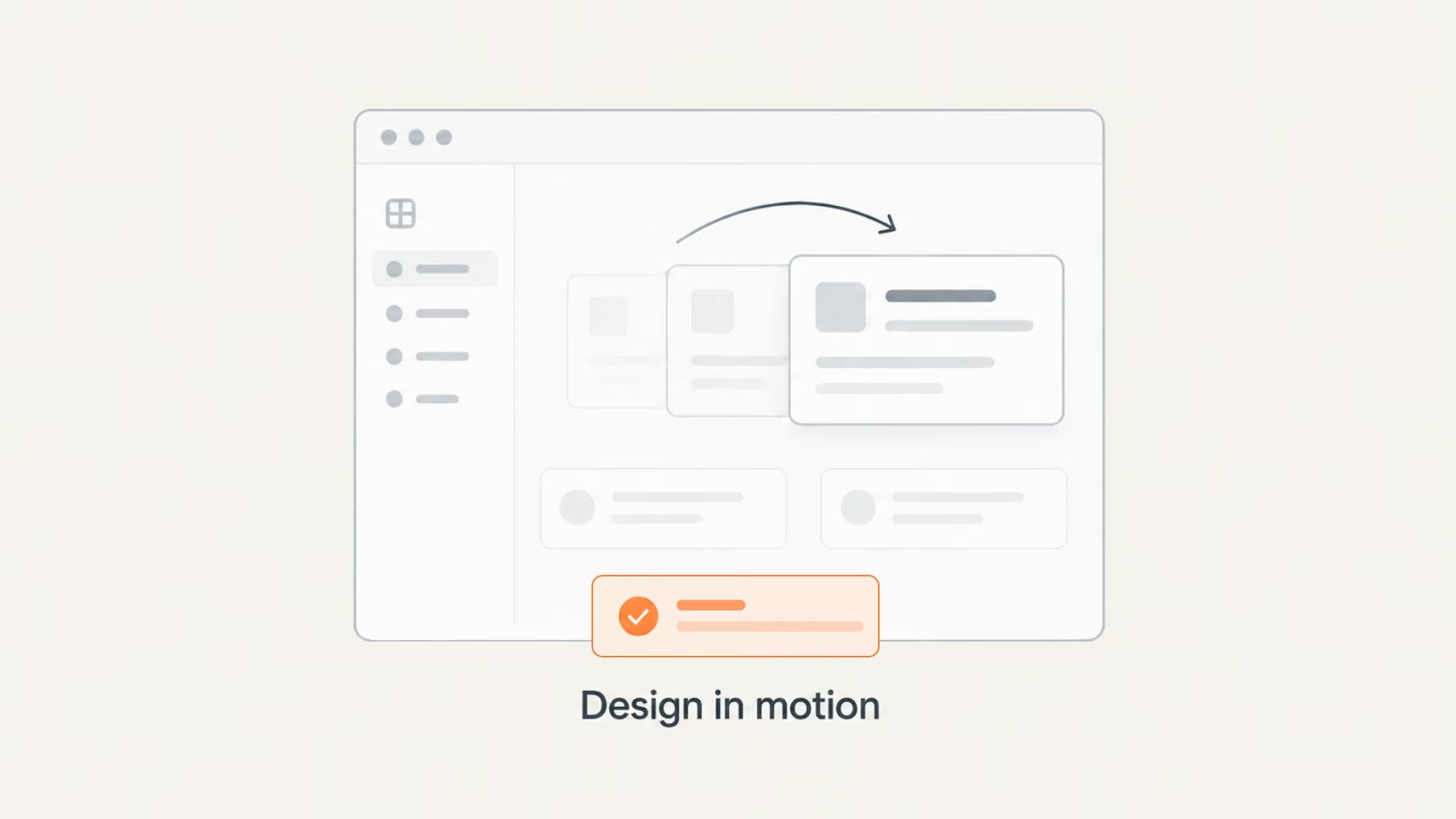
Interaction notes can sound clear until someone has to build them. A “Saved” state, for example, still leaves open questions about timing, feedback, and what happens next. A static handoff cannot fully show how those choices should feel in use.
A high-fidelity prototype makes those details testable before development. It can reveal that a confirmation feels late, an animation slows the flow, or an effect is unnecessary once the whole interaction is used from start to finish.
Placeholder content can make a layout look more stable than it really is. Short names fit neatly into cards, prices happen to line up, and images appear exactly where the design expects them. Real content is less cooperative: names run long, values vary in length, and some records come with no image at all.
Testing those variations in a high-fidelity prototype shows where the layout starts to strain before it reaches development. Text may need to wrap, cards may need more room, and empty states may need their own treatment. It is much easier to make those decisions in the design than after the interface has already been built.
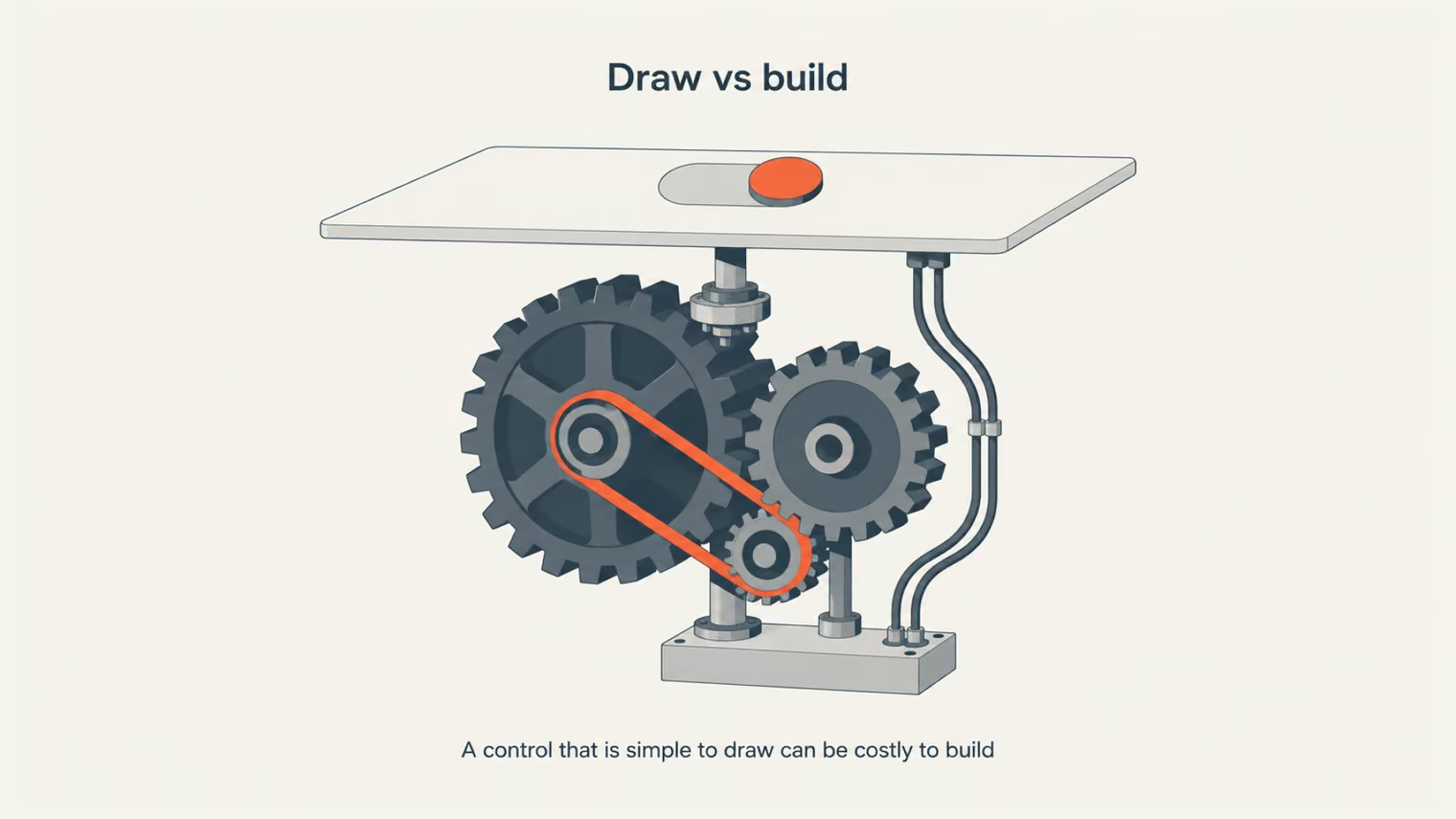
Some ideas are easy to draw and hard to build. Handing developers a working prototype before the sprint lets them spot the ones that would be too costly or out of reach on the chosen stack. That review heads off the mid-build surprise, when a feature everyone signed off on turns out to take far longer to build than the estimate allowed.
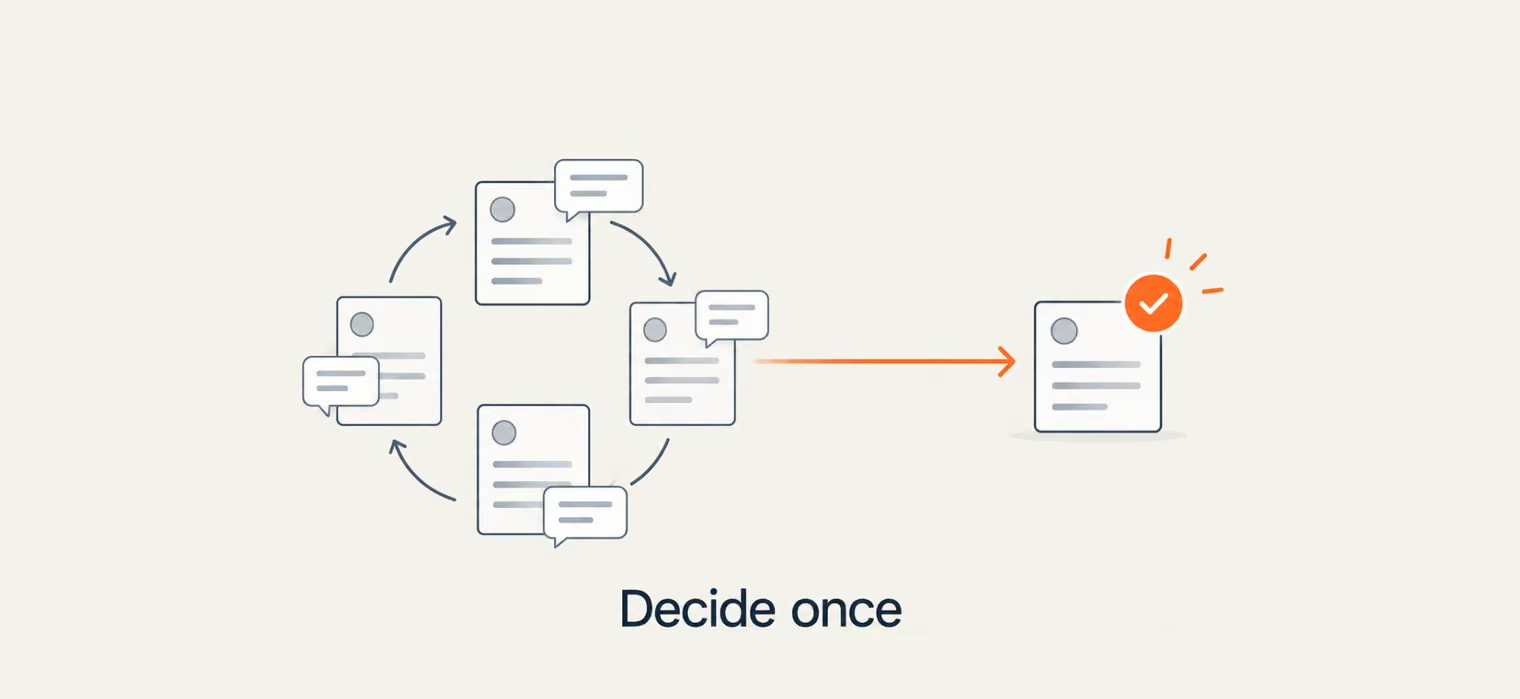
Two stakeholders can look at the same static screen and make different assumptions about how it should work. Each fills the gaps with their own version, so an approval can hide a disagreement that has yet to surface. A working prototype usually gives them one concrete flow to react to, which brings the quiet “that’s not what I meant” into the open where the team can settle it together.
“Approval means less when everyone is approving a different idea.”
The savings do not come from making the design phase shorter. They come from settling more questions before development becomes the place where those questions get answered. By the time engineers start building, fewer details are still open to interpretation.
The rework that eats a build usually traces to a decision that flips after the code already assumes it, a flow reordered, a field made optional, a screen cut. Validating those calls on a prototype first gives developers a fixed target to build against. The payoff often shows up across the sprint:
A developer’s estimate of the work rests on what they can see before coding begins. Handing over static screens and the ambiguous parts — an error state, a transition, what an empty screen shows — are decided during the build, which is exactly where estimates slip.
A working prototype settles those details up front, so developers scope the work that actually exists. The questions that would have stalled the sprint get answered before it starts.
Product discussions can stay vague when one person wants the checkout to feel simpler, another questions the wording, and nobody has settled what happens after a particular click. Put the prototype in front of the group, and those conversations become much more concrete: everyone can walk through the same flow, stop at the disputed screen, and react to what is actually there.
That also makes connected decisions easier to judge. A change to one step may affect what comes next, and the prototype lets the team see those consequences in context instead of discussing each choice in isolation.
Scoping an MVP comes down to what waits for a later release, and that is a hard call to make from a plan alone. A prototype that people have already used turns the call into a reading of what they did: the parts they leaned on, the ones they skipped, the step where they slowed down. The first build takes its shape from the prototype as much as from the roadmap.
Where the line between that and a first shippable version actually falls is worth understanding on its own, which our prototype vs. MVP guide lays out.
{{banner}}
A hi-fi prototype is worth the extra effort when the team needs to test how a product should behave, not just how it should be structured. If the idea itself is still changing, that level of detail can come too early. The right fidelity depends on what the team needs to learn next:
A realistic model usually will absorb as much time and detail as you let it. A few habits separate one that earns its keep from one that merely looks nice, and these steps keep it focused:
Before a flow becomes code, it is still easy to question it. Does the order make sense? Does the feedback come at the right moment? Is an edge case missing? A high-fidelity prototype gives the team a chance to answer those questions with something people can actually use. Some of the answers will lead to changes, and that is the point. It is better for the prototype to expose a weak decision than for users to find it after launch.
{{banner-2}}
It depends on how many flows and states you model. A single critical flow can be ready in a few days, while several core journeys with real content and interactions usually take one to three weeks. Scope drives the timeline far more than the tool does.
Cost tracks a few drivers: the number of flows you model, the level of polish, and the rounds of testing you run. A focused model of one flow is usually a few hundred to a couple of thousand dollars, while a broad, interactive build with several test rounds runs into the low thousands.
No. A prototype tests the design and experience before building, while an MVP is a working product released to a market to test real demand.
Around five participants per round surface the majority of a design’s usability problems, so several small rounds catch more than one big session.
Yes, and earlier than most teams expect. A short feasibility review lets engineers flag costly or impossible interactions while the design can still change cheaply, heading off the mid-sprint surprises that wreck estimates.


.avif)