




Building a PWA means solving for offline support, installability, and performance from the architecture phase — a service worker and manifest added at the end produces none of the results that make a PWA worth building.
Halo Lab builds progressive web apps with offline-first architecture, push notification support, and Lighthouse scores optimised before launch — deployed to the web and installable on iOS and Android without app store submission.


Your company has grown, but the brand no longer reflects scale or direction.
Your company has grown, but the brand no longer reflects scale or direction.
Your company has grown, but the brand no longer reflects scale or direction.
.webp)
Separate iOS and Android builds — two codebases, two teams, two release cycles.
.webp)
Updates gated by review cycles — users on old versions, feedback loops slowed.
.webp)
App stops working on poor connections — users drop off before the action completes.

“All projects in which we’ve involved Halo Lab have been great successes, but their leadership on our brand refresh is worth highlighting.”

“We’ve had feedback from users, investors, and employees, and everyone has said that Halo Lab did a fantastic job with the branding.”

“We’re proud of their branding services. They not only do what we tell them but also make suggestions to help us improve our offerings.”

What we deliver
Offline-first architecture designed upfront — caching strategy, sync logic, and fallbacks defined.
Service worker implemented for offline support, background sync, and asset caching strategies.
Web app manifest configured — icons, splash screens, display mode, and install prompts set up.
Web push notifications implemented — permission flow, server integration, and delivery logic built.
Lighthouse scores optimised — Core Web Vitals, lazy loading, and critical path rendering improved.
Mobile-first UI built to your design system — pixel-aligned on iOS, Android, and desktop breakpoints.
Background sync configured — user actions queued offline and replayed when connectivity returns.
Service worker documentation, caching strategy notes, and handoff for your engineering team.


How we work

Start with a strategy call where we align on your goals, challenges, and priorities, and set a clear direction for the entire branding process.
3–4 Days
Research & analysis
.webp)
We define the offline strategy, caching model, sync logic, and service worker architecture before any development begins.
.webp)
We build the web app — React or Next.js frontend, API integration, and responsive UI implemented from your Figma design system.
.webp)
We implement the service worker, app manifest, push notifications, background sync, and offline fallbacks on top of the core app.
.webp)
Lighthouse audit, Core Web Vitals optimisation, cross-device testing, and install flow validated on iOS and Android before launch.
.webp)
We deploy to production over HTTPS, configure caching headers, and hand off service worker and manifest documentation to your engineering team.
Start with a strategy call where we align on your goals, challenges, and priorities, and set a clear direction for the entire branding process.
3–4 Days
Research & analysis
Industries we serve

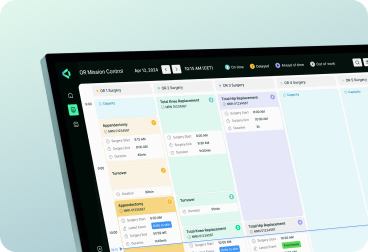
PWA development for clinical apps — offline-capable tools for patients and clinical staff in the field.
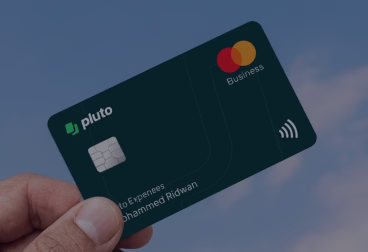
PWA development for fintech — installable tools with offline support for trading and account management.

PWA development for fleet and ops — offline-first field apps with background sync for poor connectivity.
PWA development for property platforms — installable search and listing tools that work on poor networks.

PWA development for EdTech — offline-capable learning apps installable on student devices without app stores.

PWA development for Web3 — installable wallet and DeFi interfaces without app store distribution limits.

PWA development for wellness — installable habit and coaching apps with push notification and offline support.
PWA development for SaaS tools — installable admin and dashboard interfaces with offline data access.

120+ experts and 500+ projects provide insights into solutions that fit the market.

Projects start with research, positioning, and clear goals for data-driven decisions.
No templates or generic patterns — only custom design shaped for your objectives.
We turn complex ideas into clear, scalable designs for SaaS, B2B, and tech companies.

Structured communication and transparent workflows keep you aligned at every step.

Clear pricing and adaptable scopes help you stay on budget and ensure top quality.
“Halo Lab is very organized in planning to achieve the goals within the set deadlines. We feel they were part of our internal team project.”

“Their experts have a very diverse range of skills and always find a solution to exposed issues. The communication process was clear.”

“During the collaboration, Halo Lab prioritized our people, always taking into account our input and ideas and giving all team members a voice.”

“The Halo Lab team unified branding across our patients’ app, showcasing professionalism, convenience, and consistency.”

“Halo recreated our existing portal with a modern and beautiful experience, greatly increasing usability and delight for the end user.”

“Halo Lab is brilliant. We were impressed with their timely delivery, cost-effectiveness, and the people who knew what they were doing!”

“The value we get from Halo Lab and their quality designs sets them apart from others. They are the right mix of price, talent, and style.”

“We gave the Halo Lab team a chance, and we immediately knew they were the ones we wanted to work with.”

“The Halo Lab work pleasantly surprised us, and bringing in their professional design team has been a worthy investment for us.”

“When collaborating with Halo Lab, we felt that communication was straightforward and that the deliverables fit what we expected.”

“Halo Lab has helped us with a rebrand and defined a new name, logo, and color palette. We’ve had a great experience working with them.”


13 years
We’ve built one of the most trusted agencies
150+
Specialists in design, engineering & product management
78%
Returning clients in Europe & North America

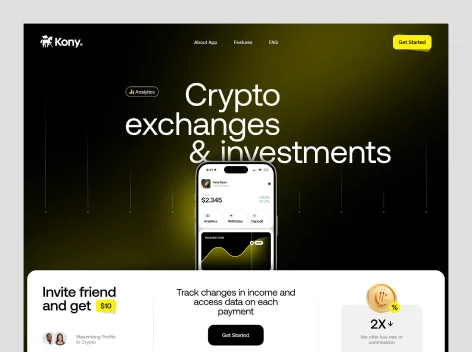
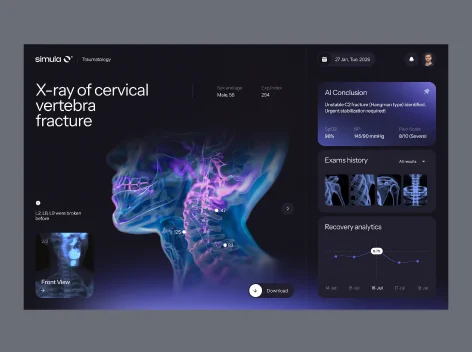
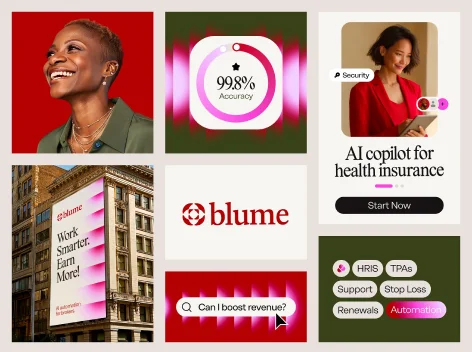
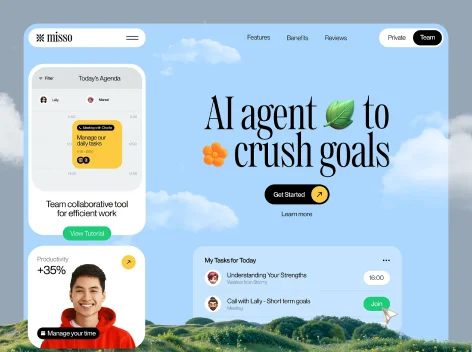
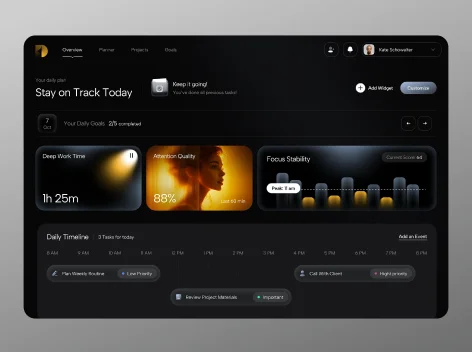
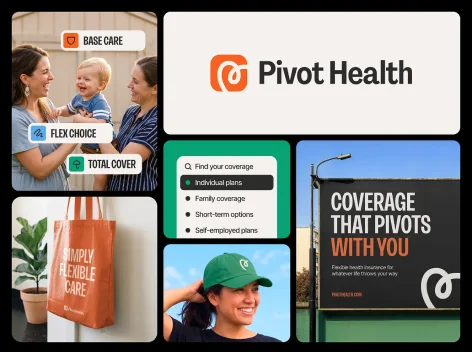
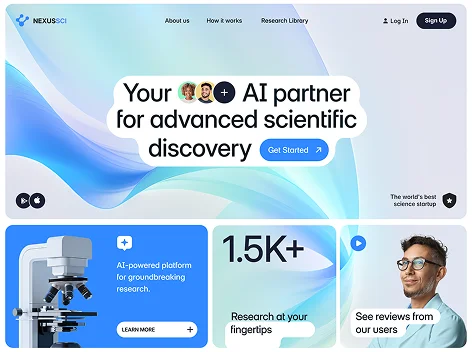

PWA architecture, service worker implementation, offline caching strategy, app manifest, push notifications, background sync, performance optimisation, cross-device QA, and engineering handoff.
For many use cases — yes. PWAs support offline access, push notifications, home screen installation, and camera and GPS access. Native apps are better when deep OS integration, ARKit, or app store discoverability are required.
Yes. PWAs install to the home screen on iOS via Safari and support offline access and push notifications. Some advanced APIs have limited iOS support — we scope these during architecture planning.
Most PWA builds take 6 to 12 weeks from architecture to production deployment, depending on app complexity, offline requirements, and whether UI design is included in the engagement.
Yes. Web push notifications are implemented using the Push API and Web Notifications API — including permission flow, server-side integration, and delivery logic for your target platforms.
Yes. Performance, accessibility, best practices, and PWA audit criteria in Lighthouse are all optimised before launch — Core Web Vitals validated on real device and network conditions.
Yes. We audit the existing app, identify what’s needed to meet PWA criteria, and implement the service worker, manifest, and offline layer — without rebuilding the application from scratch.
No. A PWA runs in any modern browser without installation. Installation to the home screen is optional and triggered by a browser prompt — giving users the choice without creating a barrier to access.
Yes. Ongoing retainers are available — covering service worker updates, new feature development, performance monitoring, and browser API compatibility as new standards are adopted.