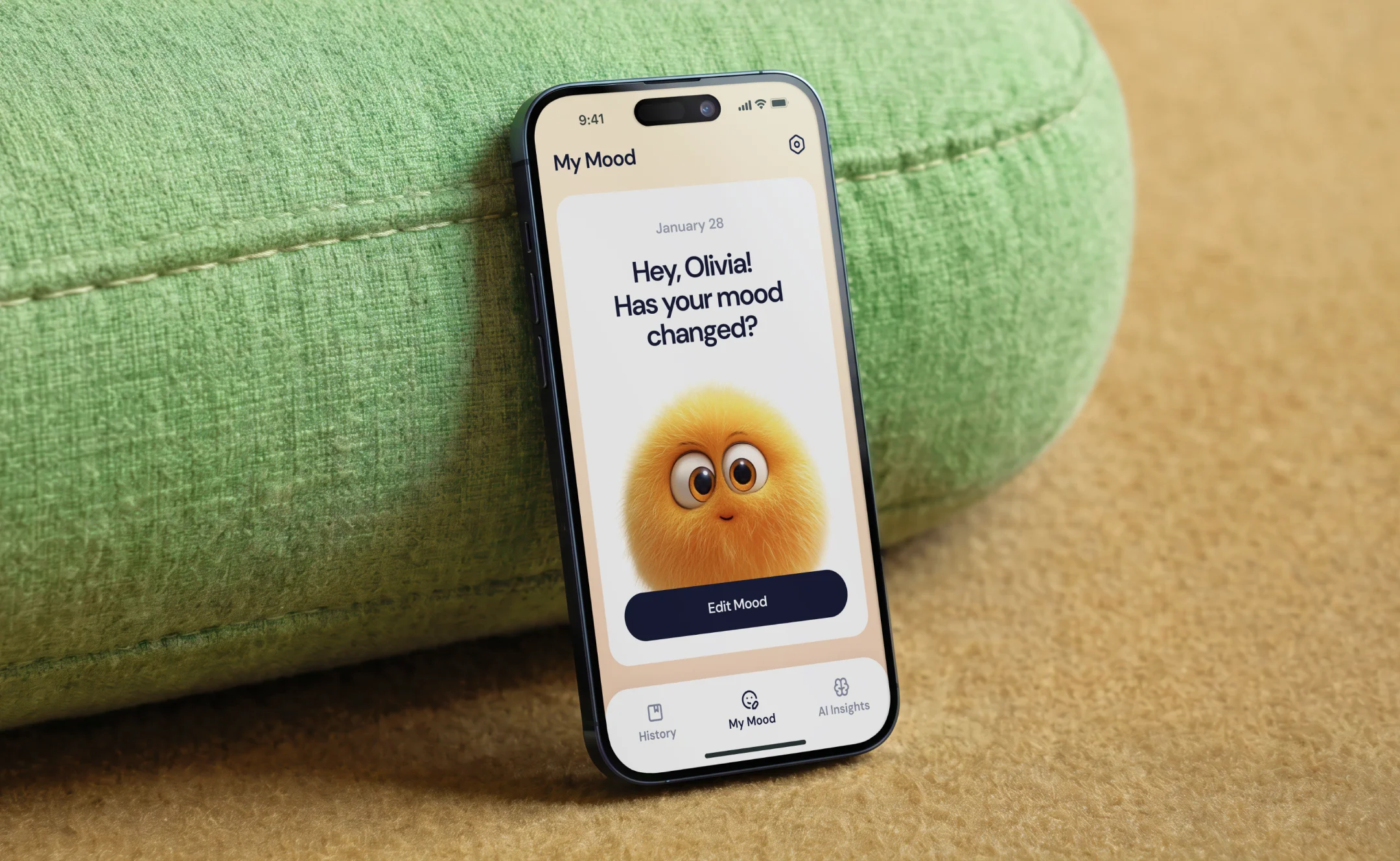




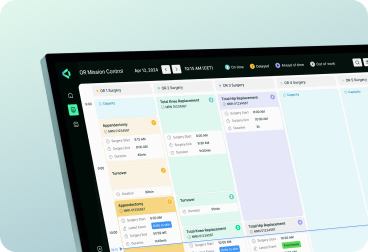

Every icon project at Halo Lab starts with defining the system before drawing a single icon — grid structure, naming conventions, size variants, and style rules documented first.
Teams receive a Figma library with auto-layout components and multi-format exports, plus documentation for extending the set as the product grows.


Your company has grown, but the brand no longer reflects scale or direction.
Your company has grown, but the brand no longer reflects scale or direction.
Your company has grown, but the brand no longer reflects scale or direction.
.webp)
Icons sourced from different packs — no consistent weight or visual style.
.webp)
Icons look fine at 24px but fail at 16px — detail lost, shapes unclear.
.webp)
New icons added ad hoc — no grid, no rules, no shared Figma library.

“All projects in which we’ve involved Halo Lab have been great successes, but their leadership on our brand refresh is worth highlighting.”

“We’ve had feedback from users, investors, and employees, and everyone has said that Halo Lab did a fantastic job with the branding.”

“We’re proud of their branding services. They not only do what we tell them but also make suggestions to help us improve our offerings.”

What we deliver
Grid, weight, naming conventions, and style rules defined before a single icon is drawn.
Product interface icons — navigation, actions, states, and status glyphs for your product.
Brand-specific illustrations and icons that extend your visual identity across touchpoints.
Organised Figma library with auto-layout components, size variants, and named exports.
Icons drawn and tested at 16, 20, 24, and 32px — optimised at every scale.
SVG, PNG, and icon font exports structured for web, iOS, and Android use.
Documentation covering construction rules, spacing, usage, and guidelines for extension.
Animated icon variants with defined timing and easing — ready for Lottie or CSS.


How we work

Start with a strategy call where we align on your goals, challenges, and priorities, and set a clear direction for the entire branding process.
3–4 Days
Research & analysis
.webp)
We audit your existing icon set or product, define style direction, and agree on grid, weight, and visual rules.
%205.webp)
We document the icon system — grid structure, corner radius, stroke weight, naming conventions, and size variants.
%20(3).webp)
We draw every icon to the defined system — optimised at each size, tested for clarity at small scales.
.webp)
Structured review with product and brand stakeholders. Optical corrections, edge cases, and spacing issues resolved.
We deliver a structured Figma library with named components, size variants, and multi-format exports.
Start with a strategy call where we align on your goals, challenges, and priorities, and set a clear direction for the entire branding process.
3–4 Days
Research & analysis
Industries we serve

Icon design for clinical apps — clear, accessible glyphs that work in dense medical interfaces.
Icon design for fintech — trust-building glyphs for transactions, status, and navigation flows.

Icon design for fleet and ops tools — status glyphs for maps, vehicles, and tracking flows.
Icon design for property platforms — glyphs for listings, maps, and property status types.

Icon design for EdTech products — icons for progress, subjects, achievements, and navigation.
Icon design for crypto products — wallet, transaction, and governance glyphs built for clarity.
Icon design for health apps — habit tracking, activity, and progress icons for wellness products.
Icon design for SaaS tools — system, status, and action icons for complex technical interfaces.

120+ experts and 500+ projects provide insights into solutions that fit the market.

Projects start with research, positioning, and clear goals for data-driven decisions.
No templates or generic patterns — only custom design shaped for your objectives.
We turn complex ideas into clear, scalable designs for SaaS, B2B, and tech companies.

Structured communication and transparent workflows keep you aligned at every step.

Clear pricing and adaptable scopes help you stay on budget and ensure top quality.
“Halo Lab is very organized in planning to achieve the goals within the set deadlines. We feel they were part of our internal team project.”

“Their experts have a very diverse range of skills and always find a solution to exposed issues. The communication process was clear.”

“During the collaboration, Halo Lab prioritized our people, always taking into account our input and ideas and giving all team members a voice.”

“The Halo Lab team unified branding across our patients’ app, showcasing professionalism, convenience, and consistency.”

“Halo recreated our existing portal with a modern and beautiful experience, greatly increasing usability and delight for the end user.”

“Halo Lab is brilliant. We were impressed with their timely delivery, cost-effectiveness, and the people who knew what they were doing!”

“The value we get from Halo Lab and their quality designs sets them apart from others. They are the right mix of price, talent, and style.”

“We gave the Halo Lab team a chance, and we immediately knew they were the ones we wanted to work with.”

“The Halo Lab work pleasantly surprised us, and bringing in their professional design team has been a worthy investment for us.”

“When collaborating with Halo Lab, we felt that communication was straightforward and that the deliverables fit what we expected.”

“Halo Lab has helped us with a rebrand and defined a new name, logo, and color palette. We’ve had a great experience working with them.”


13 years
We’ve built one of the most trusted agencies
150+
Specialists in design, engineering & product management
78%
Returning clients in Europe & North America
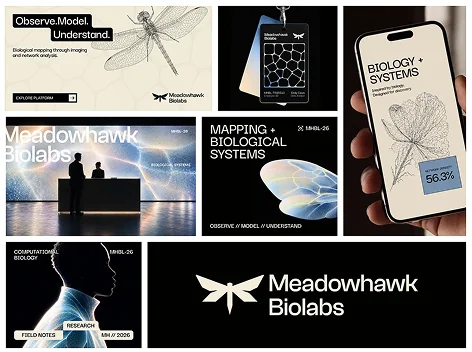
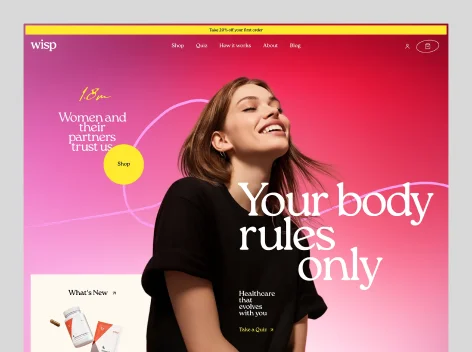
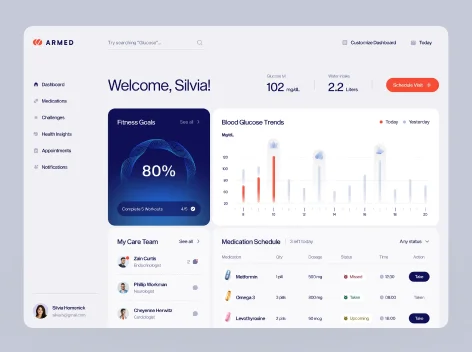
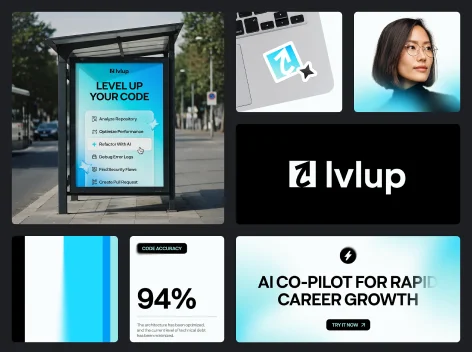
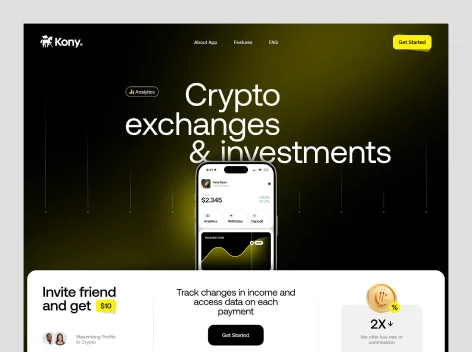
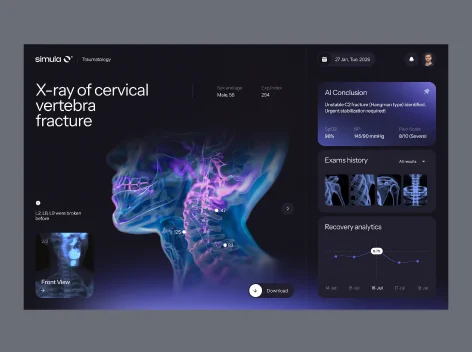
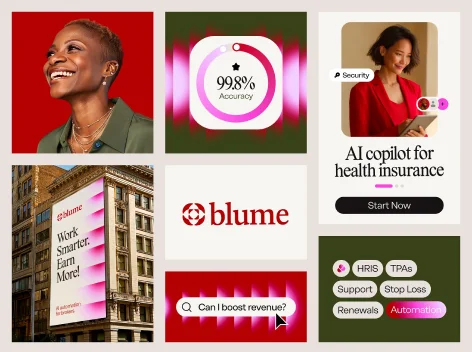
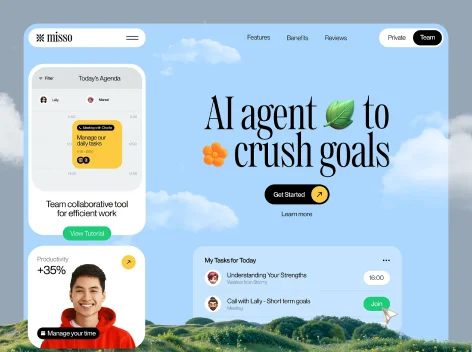
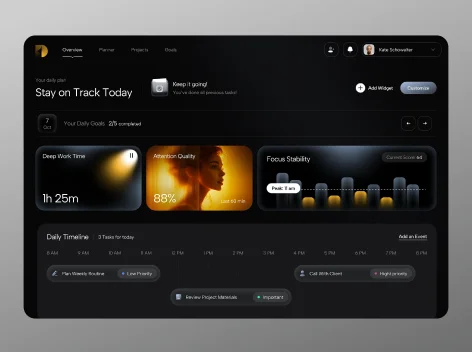
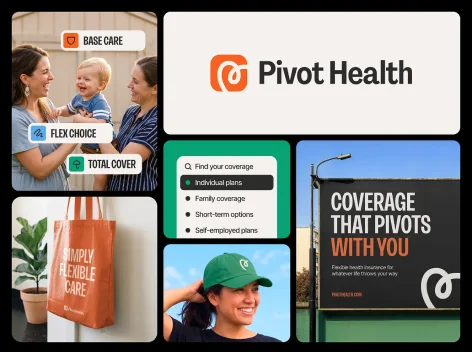
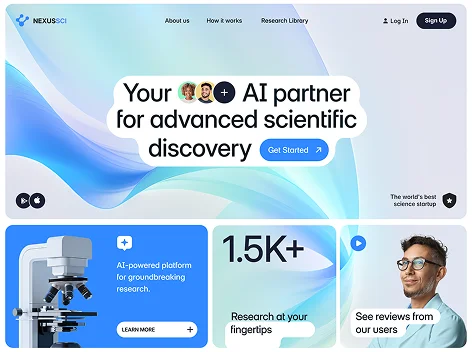
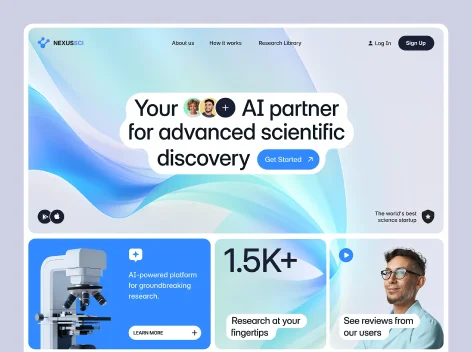
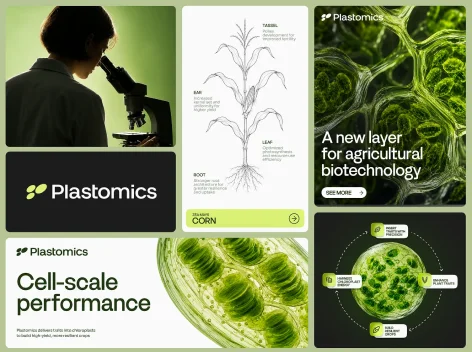
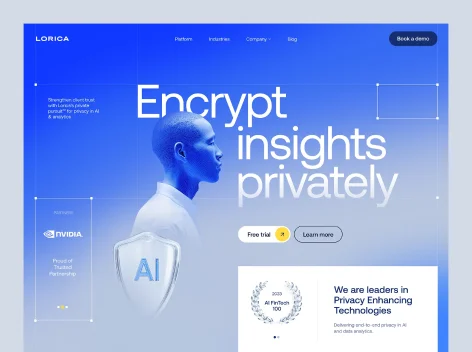

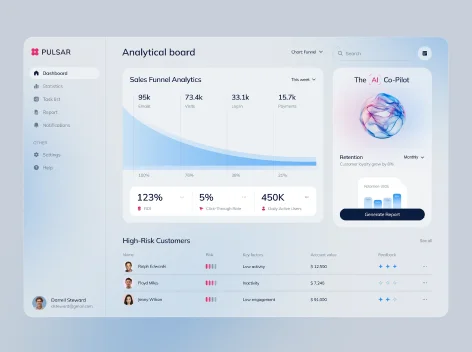
Icon system definition, UI icon design, brand icons, Figma component library, size variants at 16–32px, SVG and PNG exports, usage documentation, and an extension guide for your team.
Most icon engagements deliver 30 to 120 icons depending on scope. We agree on the exact count after the system is defined — covering your product’s real needs rather than an arbitrary number.
SVG files for web and design use, PNG exports at standard resolutions, and optionally an icon font or Lottie JSON for animated variants. All exports are named to your design system conventions.
Most icon projects take 2 to 4 weeks from system definition to final Figma library delivery, depending on the number of icons and whether animated variants are in scope.
Yes. Icons are drawn and tested at 16, 20, 24, and 32px — optimised for iOS and Android rendering at every target size, with exports structured for both platforms.
Yes. We audit your existing set, document the implicit rules, and extend it consistently — adding new icons that match the weight, grid, and style of what already exists.
Yes. Animated icon variants with defined timing and easing are available as Lottie JSON or CSS animations — scoped based on which icons benefit from motion in your product.
Each icon is an auto-layout Figma component with named size variants, organised by category with consistent naming conventions and grouped for easy handoff to engineering.
Yes. Ongoing icon design retainers are available for product teams that add features regularly — covering new icon requests, style updates, and library maintenance as the product grows.
.webp)