






The right software development model can determine your project’s future. You don’t need to memorize dozens of frameworks to get this right. Instead, you are to know how the major options work, what each one is good at, and where it tends to break under pressure.

Teams don’t run into trouble because they picked a “bad” approach. Instead, problems arise when the approach doesn’t match the reality of the project, such as shifting requirements, limited stakeholder time, or tight deadlines. However, once you understand the tradeoffs, you can choose a workflow that fits the product, the team, and the timing.
Software development modeling is a structured way to organize the work from idea through release to support. It defines the phases you’ll go through, how you’ll move from one phase to the next, and helps everyone agree on what a “finished” task looks like.
It also sets expectations for documentation, feedback loops, and decision validation. In fact, this is why two teams can build similar products with very different outcomes. Their process rules decide how soon issues surface and how expensive fixes become.
A good process doesn’t remove uncertainty. It keeps uncertainty from turning into a disaster.
If you are still shaping your product idea, you must adopt a product-first approach before committing to a specific workflow. Our guide on how to create a software project walks through the eight stages of development that keep a project on track and aligned with what users actually need.
{{banner}}
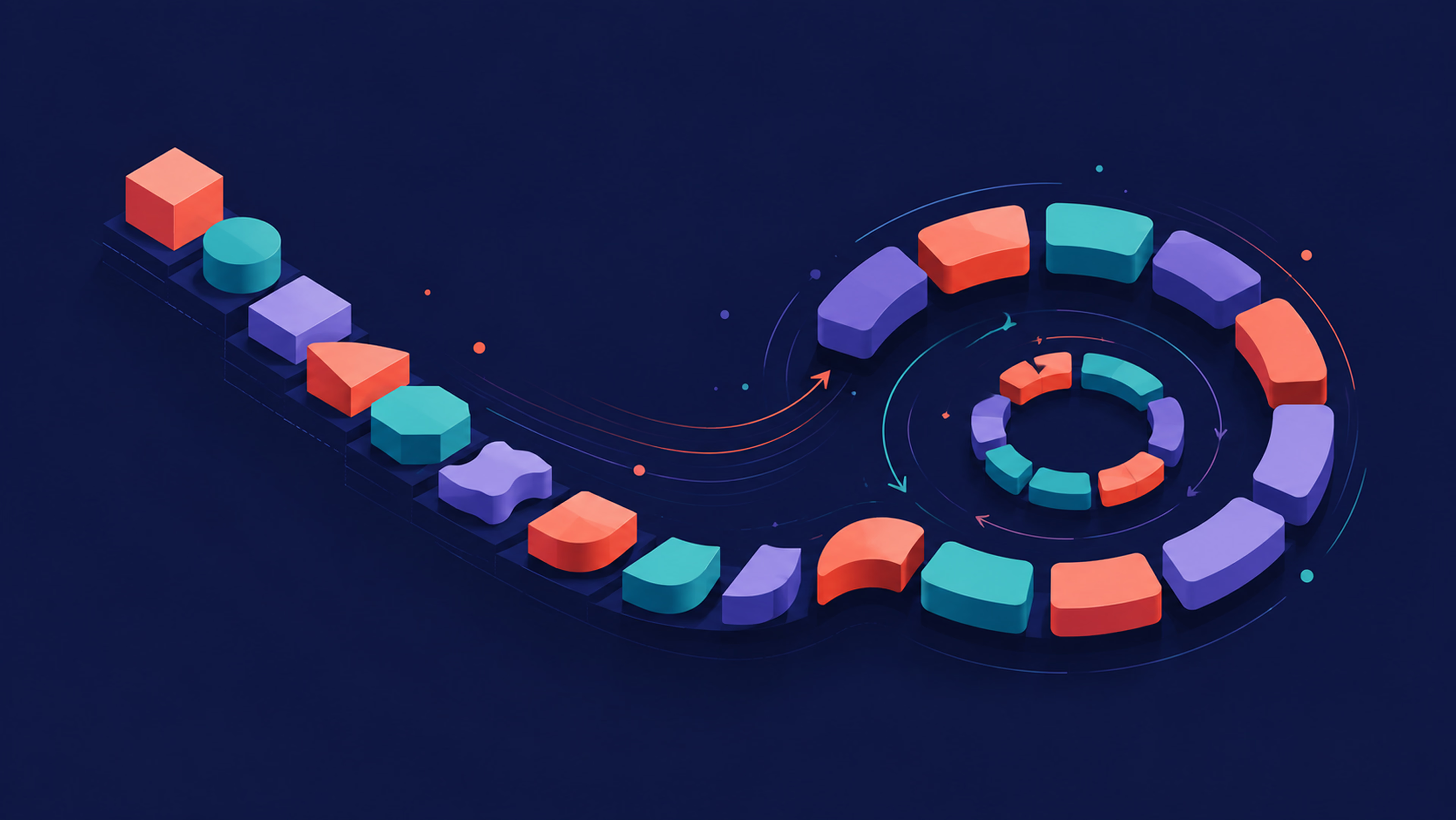
There are different types of software development models. The ones below cover the most common ways teams structure planning, building, testing, and release. Some are linear, some are iterative, and some are a mix of both. You must understand exactly what each plan expects from you and which parts will be the most challenging to pull off.
Here’s how the eight stack up before we go through each one in detail:
| Model | Best for | Speed to first release | Flexibility to change | Team maturity needed |
|---|---|---|---|---|
| Waterfall | Fixed-scope, compliance-heavy projects | Slow | Low | Any — needs strong upfront planning |
| V-model | Safety-critical or regulated systems | Slow | Low | Experienced, QA-heavy |
| Iterative | Clear direction, evolving details | Medium | Medium | Comfortable with short review cycles |
| Incremental | Modular systems, fast time-to-value | Medium-fast | Medium | Strong integration discipline |
| Spiral | High-risk, high-uncertainty bets | Slow to start | Medium | Experienced risk leadership |
| RAD | UI/workflow-heavy apps, fast feedback | Fast | High | Needs constant stakeholder access |
| RUP | Large, governed programs | Slow | Medium | Strong PM, formal structure |
| Agile (Scrum/XP/Kanban) | Evolving requirements, frequent delivery | Fast | High | Self-managing, disciplined team |
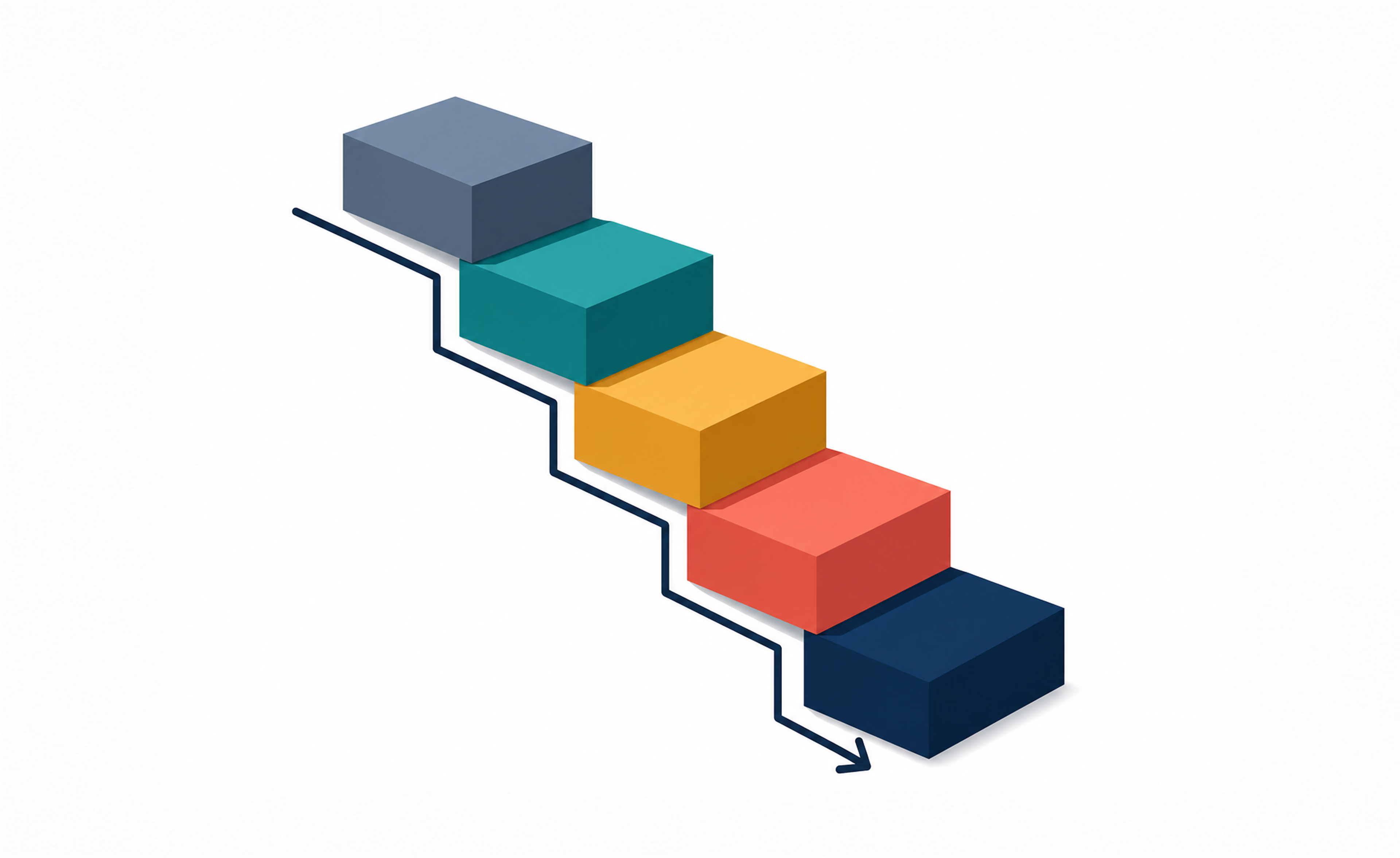
Waterfall is the most familiar entry point because it’s easy to understand and manage. Work flows through phases in a fixed order — typically requirements, design, implementation, testing, and deployment — and each phase finishes before the next begins.
This structure can feel calm, especially for teams that need clear sign-offs and steady governance. Moreover, it makes budgeting and scheduling simpler early on because you aim to define most of the scope upfront.
The tradeoff here is the cost of change. If you discover a gap in requirements during testing, you might need to revisit earlier work, update designs, rewrite code, and then retest. That loop can be slow and expensive.
The Waterfall model is the best fit for you if:
Limitations of this model are as follows:
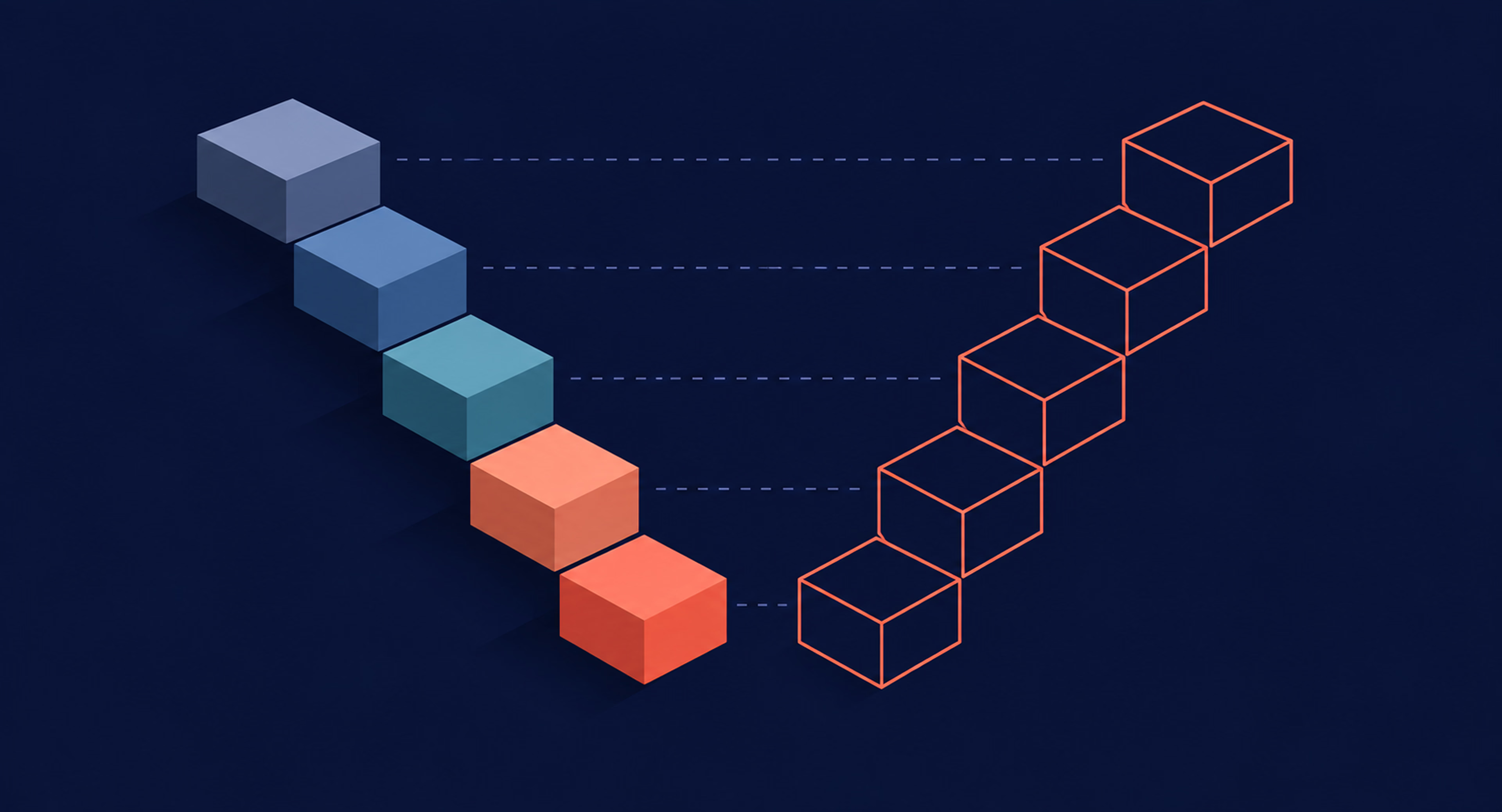
The software engineering models family includes the V-model as a quality-heavy evolution of the waterfall model. It maintains the same staged flow but pairs each development stage with a corresponding testing activity. Requirements map to acceptance tests, design maps to system tests, and detailed design maps to integration tests.
This matters because you plan validation earlier. As a result, defects in requirements or architecture can be caught sooner, before they lead to major rework. Moreover, teams in regulated domains often like the traceability this creates.
On the flip side, the V-model still assumes requirements don’t change much. If priorities shift often, the testing plan can become a maintenance task. Also, it can increase lead time because the model asks for a strong upfront definition before implementation begins.
The V-model is ideal for:
Limitations of this model are as follows:
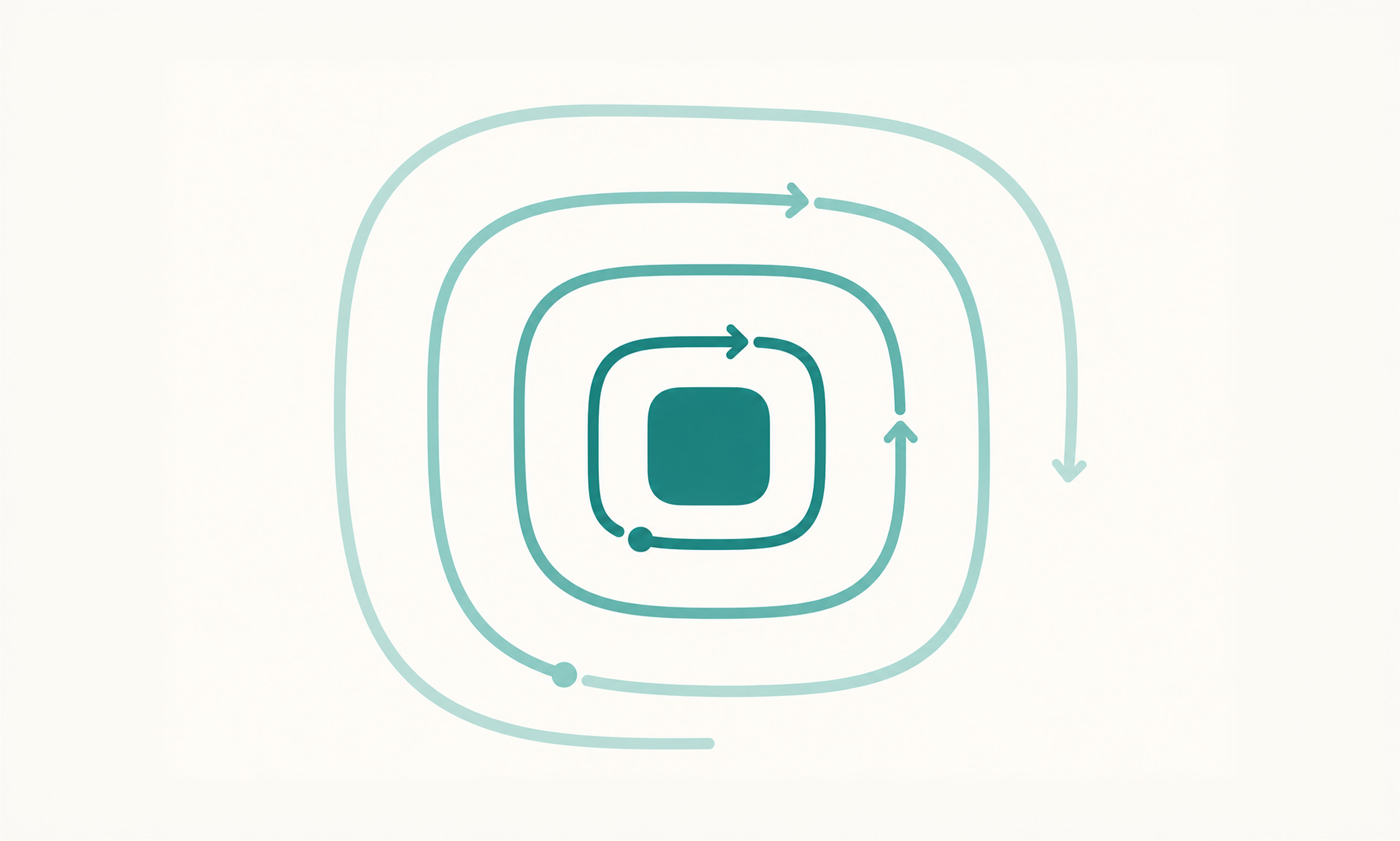
The Iterative approach is for teams that know the direction but not every detail. Instead of trying to finish everything at once, you develop the product in waves — starting with a simple version, testing it, and refining until it’s right.
This approach works well when you know the direction but not every detail. You can start with a basic version, validate assumptions, and then improve the solution. Moreover, iterations create earlier visibility for stakeholders, since they can see the working progress rather than only documents.
Besides, without specific goals for each cycle, it’s easy for a team to get stuck in a loop of endless changes and never actually finish the project. Think of a SaaS dashboard: the first version might just show three charts, and each cycle after that adds filtering, then exports, then sharing, based on what users actually click.
The Iterative model is suitable for:
Limitations of this model are as follows:
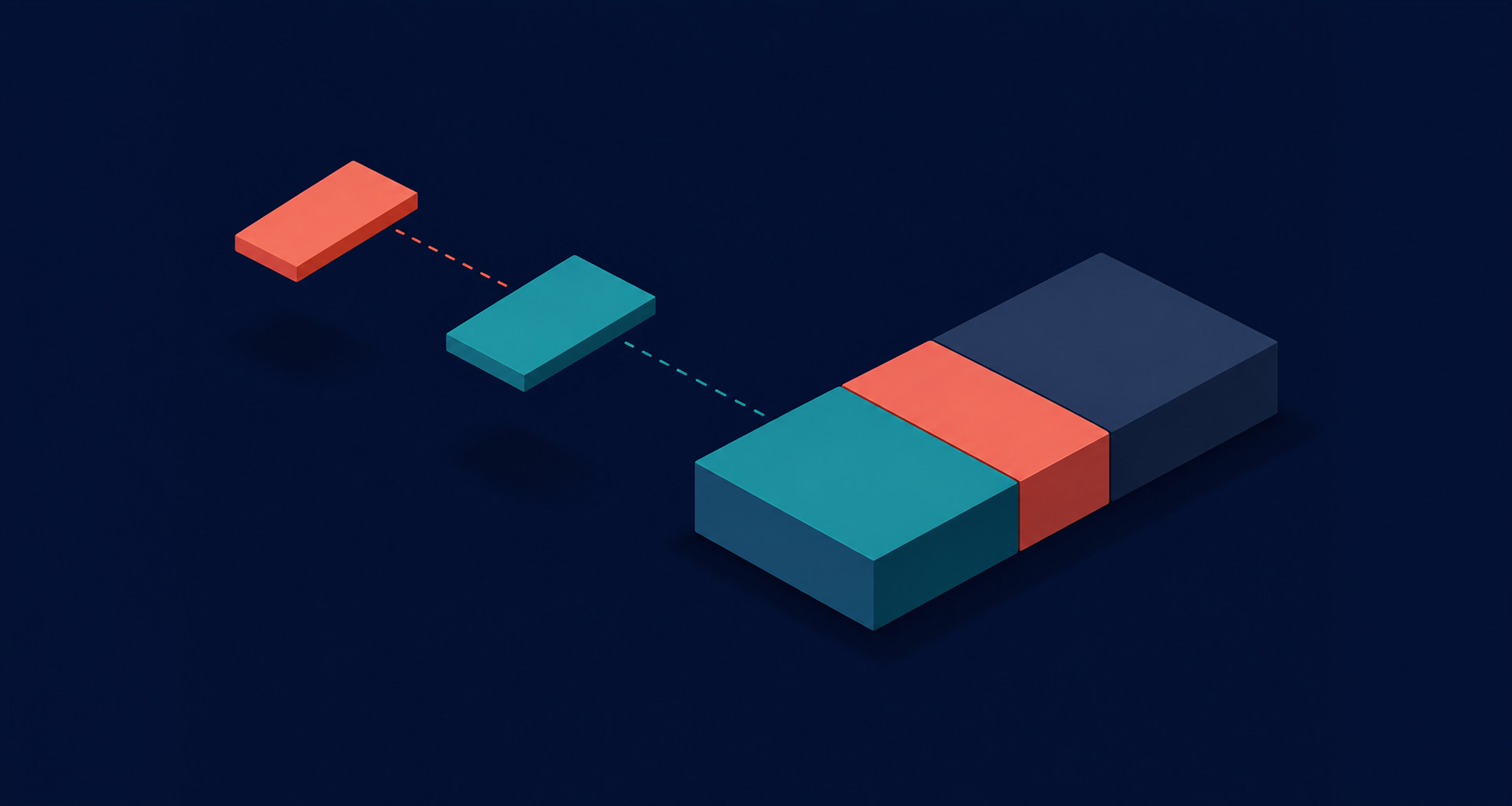
Incremental delivery splits the system into pieces and ships them as separate, usable releases, each one adding more capability. It differs from iterative work because the focus is on expanding the scope in deliverable slices rather than repeatedly refining a single version.
This model can also reduce time-to-value. For example, a marketplace platform might launch with just browsing and booking, add payments as the second release, and bolt on reviews and messaging once the core flow is proven. Moreover, stakeholders can prioritize what matters most, since each increment competes for the next release slot.
However, you need a plan for integration and architecture. If modules are built without a shared design, later increments can become harder to fit together. Scope creep is also a risk if every increment invites new “must-have” requests.
The Incremental model is ideal for:
Limitations of this model are as follows:
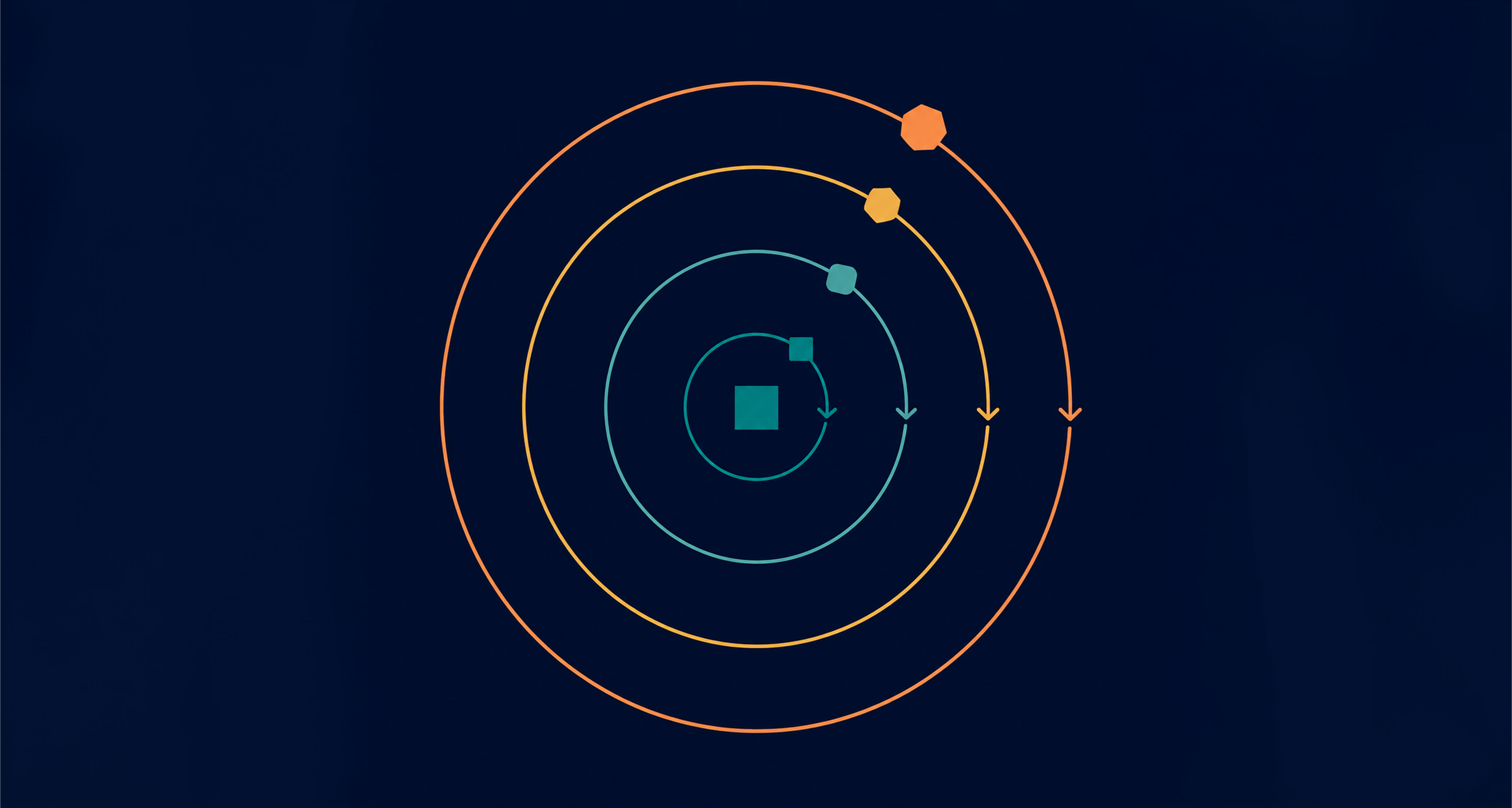
Among SDL models, Spiral is the one built around risk. Each cycle typically includes planning, risk analysis, engineering, and evaluation. You use each loop to reduce uncertainty, validate solutions, and then decide what to do next.
This is useful when the project has major unknowns, technical/financial risk, or both. You can prototype early, test feasibility, and adjust direction before you commit to a large build. Moreover, Spiral can prevent large-scale rework by forcing risk conversations early.
If the biggest risks stay invisible, the schedule is just a guess.
On the flip side, it can be expensive and complex to run. Risk analysis takes time and requires experienced leadership. It also makes timelines harder to predict early because you may not know how many loops you’ll need.
An AI-powered feature with an unproven model is a typical case — the first loop might just test whether the model performs well enough on real data before any UI gets built around it.
The Spiral model is the best fit for:
Limitations of this model are as follows:
The RAD model, which stands for Rapid Application Development, prioritizes speed through prototyping and fast feedback. Teams build prototypes quickly, validate them with users, then refine toward a release. RAD often relies on reusable components and tight collaboration with stakeholders.
This can be a great fit when you need a working UI or workflow fast, and when feedback can be gathered without delays. It helps when stakeholders struggle to define requirements in documents, but can react clearly to a prototype.
While RAD is fast, it can backfire if you mistake a quick prototype for a finished product. Moreover, if you skip quality checks just to move faster, you’ll end up with messy code that’s hard to fix later. This model also relies on your stakeholders being constantly available; if they aren’t there to give quick feedback, the whole process slows down and loses its main advantage.
Take a landing page redesign as an example: a team mocks up a few header variants in a day, gets a stakeholder reaction on the spot, and builds the winner instead of debating it in a document.
The RAD model is ideal for:
Limitations of this model are as follows:
Another one of the software models is RUP (Rational Unified Process), a hybrid that blends structure with iteration. RUP typically moves through phases like inception, elaboration, construction, and transition. Activities like requirements, design, and testing occur across phases, but their intensity varies depending on where you are.
RUP can work well for greater efforts where you want governance and documentation, but you still need iterative refinement. Besides, it supports architecture-first thinking, which can prevent later developmental problems.
Although this software model provides a solid structure, it can feel overly complicated if your project doesn’t require that level of formality. All the extra paperwork and process steps can actually slow down a small team’s progress. Also, it demands a very strong project manager to keep all the different moving parts working together in sync.
The RUP model is useful for:
Limitations of this model are as follows:
The software development models most teams talk about today sit under the Agile umbrella. Agile is not one model but a family of approaches that use short cycles, frequent feedback, and continuous improvement. Teams aim to deliver working value in increments, review progress often, and adjust priorities based on what they learn.
This works well when requirements evolve or when market timing matters. One more advantage is that Agile tends to improve alignment because stakeholders see progress regularly, not just at the end.
Even though Agile is flexible, it still requires a lot of discipline to work well. Without clear priorities and a solid agreement on when a task is truly finished, teams can waste time without making real progress. You must also remember that Agile doesn’t eliminate planning; instead, it makes planning a continuous practice throughout the project rather than just at the start.
If you want a deeper look at how flexible teams manage work day-to-day, our guide to agile sprint planning covers it in detail.
From the software development process models inside Agile, Scrum is the best-known. It organizes work into time-boxed sprints, often one to four weeks. The team plans what they can deliver, executes, reviews results, and then improves the plan in the next sprint.
Scrum can create strong momentum because it forces prioritization and frequent delivery. What’s more, it makes progress visible through demos and sprint reviews, which helps stakeholders stay aligned.
On the other side, Scrum can feel restrictive if priorities change daily. It relies on strong product ownership as well. When backlog priorities aren’t clear, sprints turn into busywork rather than meaningful progress.
The software engineering models within Agile include XP (Extreme Programming), which emphasizes engineering discipline. XP employs practices such as test-driven development, continuous integration, pair programming, and frequent releases.
XP’s value shows up when quality and maintainability matter, and when the team needs to move fast without breaking things. This model requires strong developer maturity and stakeholder availability for rapid feedback. It can also demand more effort up front to keep tests, automation, and code standards consistent.
If you need flow instead of sprints, Kanban is a strong option for continuous work. Teams visualize tasks on a board, limit work in progress, and keep items moving through the system based on capacity. This can work especially well for support, maintenance, and mixed-priority queues.
Kanban makes bottlenecks easy to identify. It supports fast reprioritization because you are not locked into a sprint scope. However, Kanban can drift without clear policies and requires careful control of work-in-progress limits to prevent overload.
{{banner-2}}
Fit is one of the top considerations when choosing among software development models. You’re balancing speed, cost, risk, and how often requirements change. Here, the right choice depends on what you can control and what you can’t. In the sections below, we’ll explain what you should take into account while selecting a software development lifecycle (SDLC) model.
When the timeline is fixed, you must reduce surprise work. With software models like the Waterfall or V-model, budget forecasting is easier early on because the scope is defined upfront. Yet, the moment the scope shifts, costs rise fast because earlier decisions have to be revised, rebuilt, and re-tested.
On the other hand, if the budget is fixed but the scope is flexible, iterative approaches tend to handle that reality better. For instance, Incremental or Scrum lets you deliver the highest-value slice first, then keep building until time or budget runs out. It also helps to set a clear MVP boundary, since “nice-to-haves” are usually what break the plan. Finally, track burn rate against scope changes, so stakeholders see the cost impact in real time.
High-risk projects require early proof that an idea actually works. By using the Spiral model, you make risk analysis a regular part of the process, answering critical questions before committing your full budget. This prevents major flaws from surfacing at the end of the project when changes are the most expensive and difficult to make.
Process alone cannot guarantee high quality; you need a strong engineering discipline. Models like XP use automated testing and continuous integration to keep your code stable even as features change. By setting clear quality standards and performance goals early on, you can prevent reliability issues from surfacing later. It is also vital to treat technical debt as part of your regular workload rather than ignoring it, which keeps a product reliable as it scales.
Process should match the team’s maturity, not the other way around. Models that rely on self-management and tight feedback loops work best when the team can estimate work, communicate clearly, and own quality without constant supervision. If the team is newer, a more structured cadence can reduce confusion and rework.
If stakeholder access is limited, pick a workflow that doesn’t require daily decisions. Waterfall can work when a client can only engage heavily at the start and end, while Scrum can struggle if product decisions are always delayed. Assigning a proxy decision-maker who can answer questions quickly and setting response SLAs for reviews keeps the team from stalling while waiting on approvals.
If you’re entering a market with unclear demand, the goal is to learn quickly without overbuilding. Software development modeling approaches that support prototypes, early demos, and frequent feedback help you confirm what customers actually value, then focus investment where it counts. This is especially useful when users can describe pain points but struggle to specify solutions.
If you’re serving enterprise buyers, alignment often means traceability and predictable delivery. Software development process models with stronger documentation and formal validation can support procurement, audits, and security reviews. However, change requests will still happen, so you need a clear intake process and impact review. Finally, align releases with business milestones such as training, rollout windows, and support readiness, since these often matter as much as features.
If your business expects frequent changes, your process should treat those pivots as normal work. Agile models make reprioritizing tasks routine, allowing your team to adjust quickly without having to rewrite a massive master plan every time a new idea pops up. This works best when you keep your task list clean and update your priorities on a regular schedule.
To move fast, you must protect your team’s focus. Processes that allow constant changes can actually kill momentum if priorities shift too often. You can maintain speed by setting limits on how much work is happening at once and moving new requests into the next planning window. Usually, the fastest way to finish is to limit what enters the system and complete your current work before starting the next batch.
If you’re a founder building toward an MVP or a first real release, most of the models above are overkill. Waterfall, V-model, and RUP all assume you know your requirements well before you start, which is rarely true at the seed stage, when the biggest open question is usually whether anyone wants the product at all.
Incremental delivery, RAD, and Scrum tend to fit better here because they let you ship something real fast, watch how users respond, and adjust before you’ve sunk months into the wrong feature set. Spiral can still make sense for a single narrow piece — a risky technical bet within an otherwise agile process — without forcing the whole project into a heavier framework.
The harder part is usually execution, not the choice of model: keeping scope tight, getting real user feedback into every cycle, and not mistaking a fast prototype for a finished product. This is where a dedicated team can help — less by picking a framework for you, and more by bringing the discipline to run whichever one you choose well.
Understanding a model on paper is one thing — seeing how it plays out on an actual product is another. Here are three projects we’ve worked on where the choice of approach directly shaped how the product got built and shipped:
Mighty Buildings is a construction startup building 3D-printed housing with technology. Before any public launch, the team ran a closed beta — accessible only to a targeted group via social media — to validate whether users would actually configure and purchase a unit. That risk-first, validate-before-you-commit approach is exactly what the Spiral model is designed for. The product launched publicly after the beta, and the company went on to raise over $100M from investors.
Mite came to us as a simple redesign request for a charity donation website. We delivered a complete platform with features like payments, user profiles, newsletters, search, and recurring subscription donations. It was developed in stages, with each release adding new, functional capabilities on top of an already working system. That’s the Incremental model running in practice: ship the core, prove it works, then expand.
Praiseworthy arrived with a working MVP already in place. The brief was to refine what they already had. We worked through the UX in cycles, testing flows from button interactions to subscription plans and avatar systems, adjusting based on what each round revealed. That’s the Iterative model in its most direct form: an existing product, improved pass by pass, not replaced.
Even with the right software development models, teams encounter the same issues once delivery begins. However, these problems are manageable if you set clear goals from the beginning and adhere to them. Additionally, minor adjustments tend to be more effective than major process changes, especially when timelines are tight.
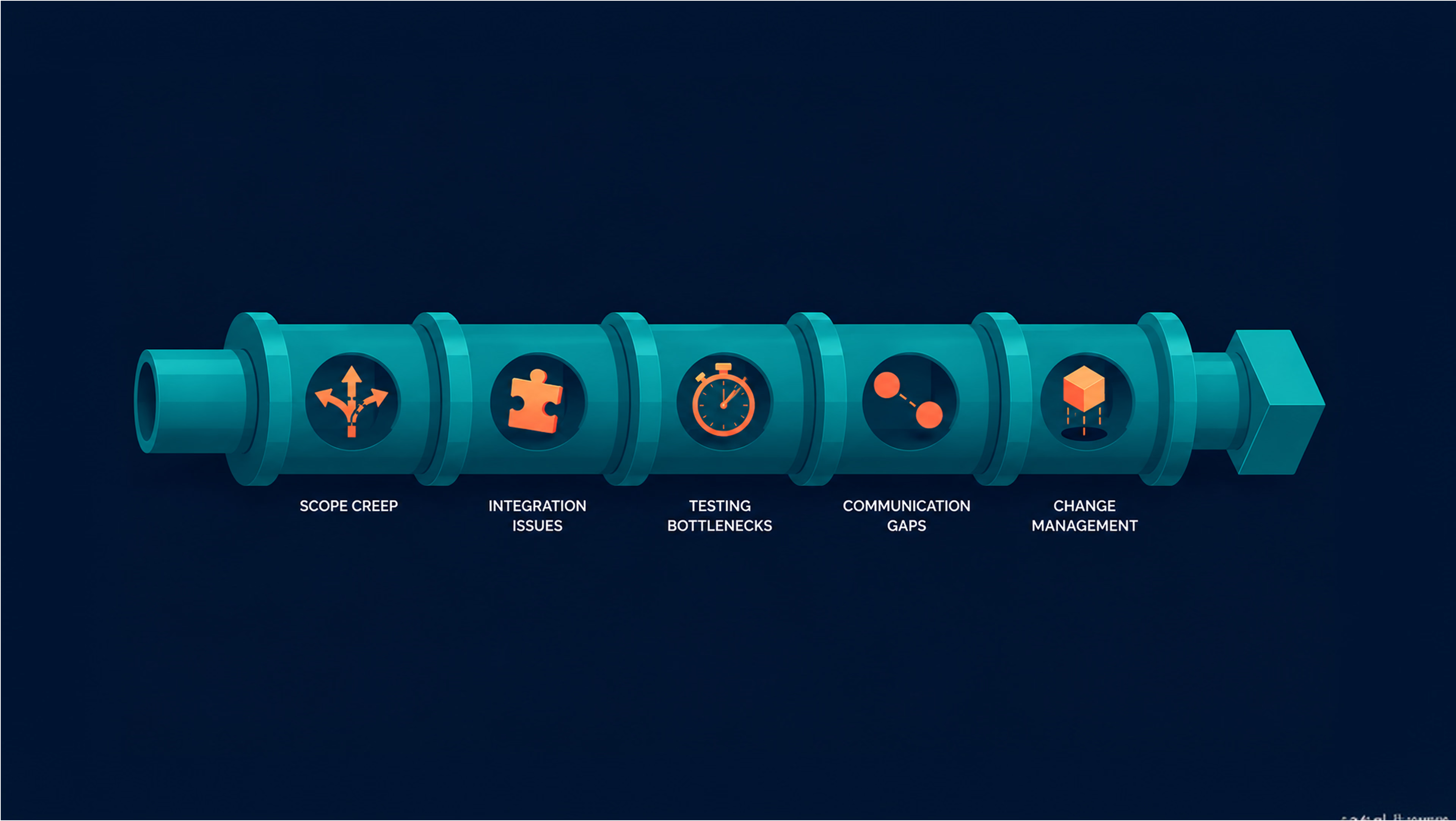
Scope creep happens when new requests are added to your list without considering the trade-offs. In software development process models like Scrum or Incremental delivery, this usually looks like “just one more feature” being added repeatedly until your deadlines start to slip. When the target is always moving, the team eventually loses trust in their own timelines.
To keep this under control, you must force a clear choice: every new request must either replace an existing task or increase the budget and timeline. It also helps to clearly define what “done” looks like so that vague goals don’t turn into extra work at the last minute. These software models work best when one person is responsible for setting priorities and the workload is reviewed on a regular schedule.
Integration problems usually happen when different parts of a project are built on different assumptions. In models that deliver work in pieces, you need to combine and test those parts with every update. If you wait until the end to check if everything fits, you’ll likely discover mismatches too late, when fixes are far more difficult and expensive.
To avoid late-stage failures, define how different parts of the system communicate early and use automated checks to confirm they still work. Keeping development and live environments identical matters too, since small differences are often the reason a feature works in testing but fails in production. Models that focus on continuous integration and shared standards help catch these mismatches while they’re still small.
Testing becomes a major bottleneck when it’s treated as a final phase rather than a daily habit. In SDLC models like Waterfall, this creates a lengthy testing stage at the end, where bugs pile up, and rework spirals out of control. When
You should start with your biggest constraint. If requirements are stable and governance is strict, the Waterfall or V-model can fit. If requirements evolve and feedback matters, Scrum, Kanban, or Incremental delivery is usually a safer choice.
Yes, and it can work well when the change is planned as a transition. Software development modeling is easiest to switch when your backlog, requirements, and acceptance criteria are clear. If priorities and ownership are unclear, switching models will not fix the core problem.
It depends more on scope and constraints than on the label. Define an MVP boundary first, then estimate toward that boundary. Incremental delivery can surface value earlier, while heavy upfront planning can slow the first release.
Yes, and it’s common. Models can vary by team, product risk, and compliance needs. What matters is having consistent standards for handoffs, quality, and decision-making inside each project.
Track outcomes like delivery speed, defect rates, and predictability, then connect them to process signals. The model is doing its job when it reduces rework, keeps quality stable as the product changes, decisions get faster, and releases get safer.


.avif)