






Ask three design teams how much it is to design an app, and the quotes can land tens of thousands of dollars apart. None of them has to be wrong. Each team may have a different understanding of the project scope, especially when the requirements are still taking shape.

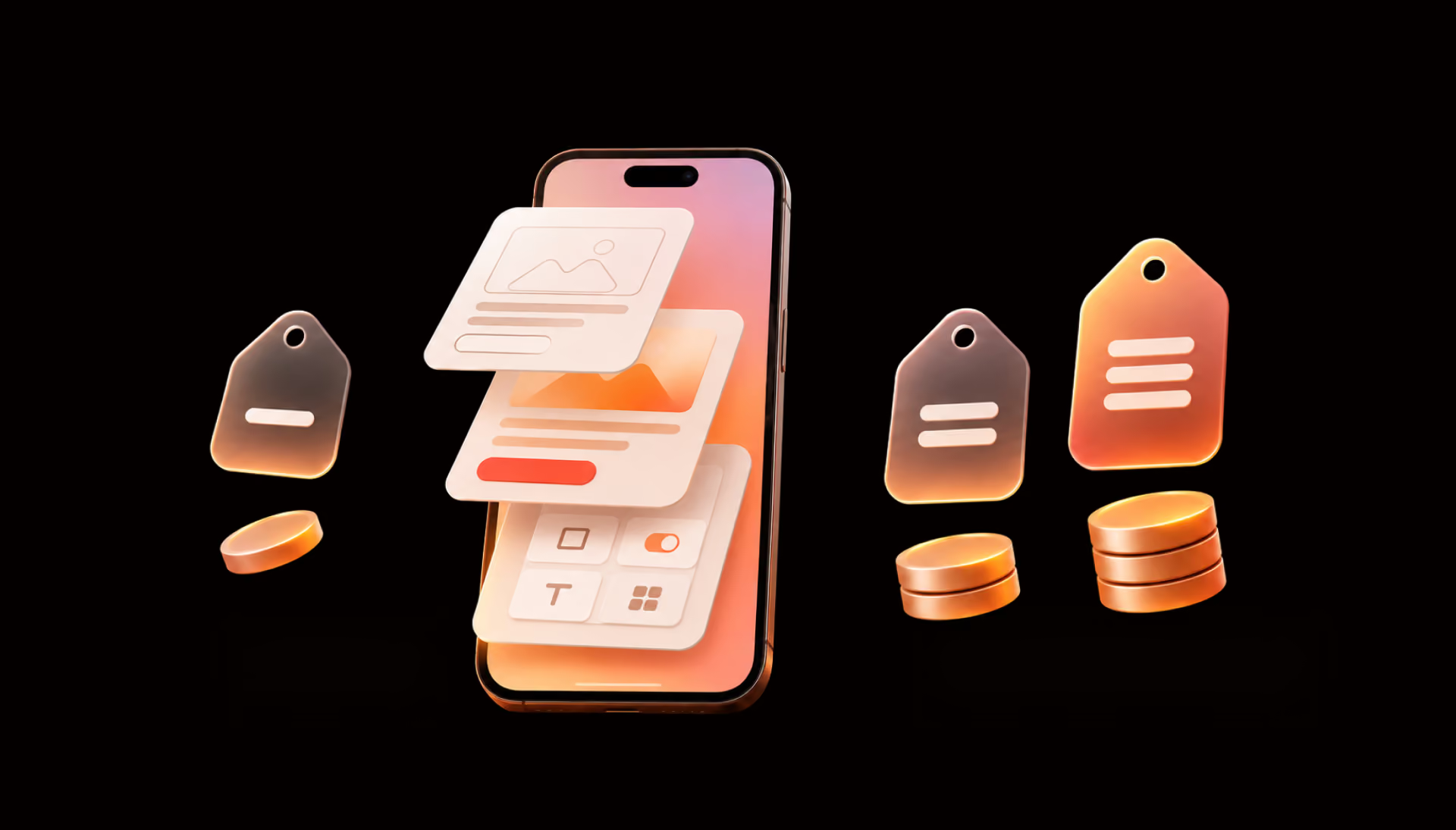
The cost to design an app reflects how much planning it needs before development. A simple booking tool takes less effort than a marketplace with separate user flows. Beyond screen count, designers must account for different user roles, permissions, and edge cases.
The final price also depends on UX research, platform choice, team experience, interface structure, and the use of existing components. This article breaks mobile app design costs down by complexity, from simple apps to enterprise platforms, and explains what each tier includes.
Each stage of app design answers a different question (who the users are, how they move through the product, what they see), and each can be scoped lightly or in depth. Here’s what you’re paying for at every step.
Discovery is where designers work out what the app needs to do before deciding how it looks. Typical activities include stakeholder and user interviews, competitor analysis, user role definition, and requirement mapping. At the end of this stage, you get a shared, written understanding of the problem, namely who uses the product, which tasks matter most, and what the first version can leave out.
The depth of research depends on the product’s complexity and risks. A simple utility may need only a few workshops, while healthcare or fintech app design may require more extensive research into user needs and regulatory requirements. For more on how research shapes product direction, see our guide to UX strategy.
Information architecture defines how content is organized, how navigation works, and how different screens connect. User flows trace the exact steps someone takes to complete a key task, such as signing up, booking a slot, paying, or resetting a password. Generally, apps with multiple user roles need more flows because each role has different screens and permissions. Mapping user flows before visual design helps identify missing scenarios before development begins.
Good design accounts for every step, including the unexpected.
These two deliverables sit between the flow diagrams and the final interface, and they serve different purposes:
Prototype costs depend on the level of detail. You’ll be charged less for a simple clickable wireframe for internal feedback than for a high-fidelity prototype. If you’re unsure which level you need, our guide to wireframes, mockups, and prototypes explains how they differ and when to use each.
Once wireframes are approved, designers step in and shape the interface people actually see: color palette, typography, iconography, component styling, and motion. In consumer apps, this is also where the brand’s visual identity comes through, with custom styling and visual elements adding to the design cost.
A thorough UI scope covers every state of every screen, beyond the ideal “happy path”: loading, empty, error, offline, and permission-denied versions. Skip them, and developers end up inventing them on the fly. When you compare quotes, ask whether states are included, since two proposals with the same screen count can differ a lot on this point alone.
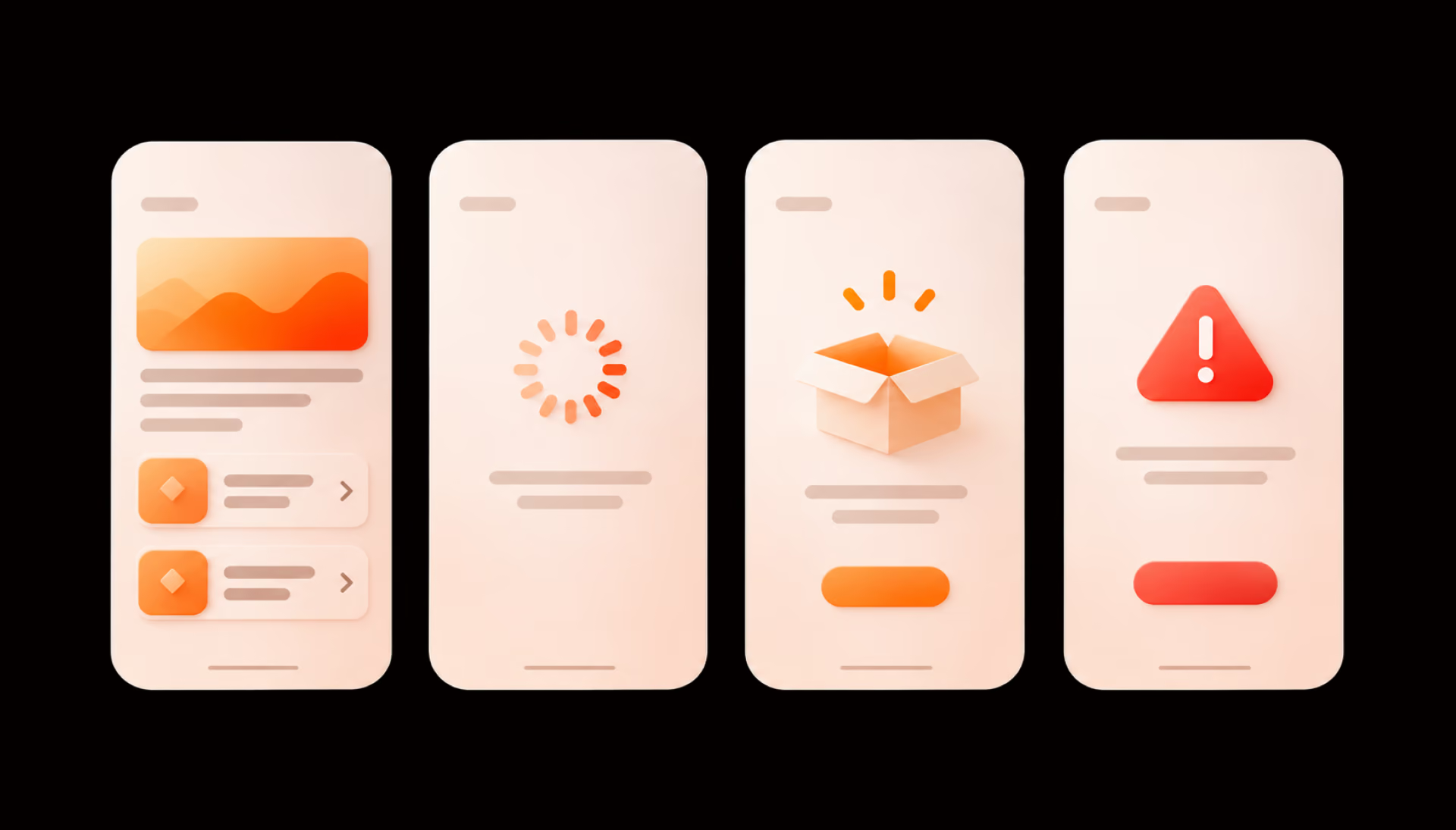
A design system is a library of reusable components (buttons, inputs, cards, and navigation bars) with shared rules for spacing, color, and typography. In a controlled test run by Figma, designers with a relevant design system finished a task 34% faster than when they worked from older design files.
Handoff is the final delivery to development with organized Figma files, component specs, exported assets, and notes on interactions and edge cases. Clear documentation helps engineers implement the approved design accurately and reduces rework during QA, whether they’re building a mobile app or a web platform.
{{banner}}
When buying something, we usually want to know the price upfront. But in app design, the price isn’t always clear until you define what the product needs to do. The estimates below show how typical scope, timelines, and budgets change across four complexity levels.
A simple app typically focuses on a small set of features and straightforward user flows. Examples include an MVP built to test an idea, a focused utility such as a habit tracker, or an internal tool with a sign-in, a list, and a form. With these apps, expect one user role, one primary flow, and 5 to 15 screens, designed in 2 to 6 weeks for roughly $3,000–15,000.
At this tier, design time goes into getting the core journey right, and a typical scope covers:
Using native iOS and Android components reduces design time because users already know how they work. Instead of designing every element from scratch, designers can focus on making the app’s layout and user flows clear.
SaaS companion apps, eCommerce stores, booking and delivery tools typically fall into the medium-complexity category. These usually have 15 to 40 screens and may include multiple user roles, dashboards, payment flows, or integrations. Design takes 4 to 10 weeks and costs $10,000–40,000. When the flows are heavily custom, the price can reach up to $60,000.
Costs rise with additional user roles and greater visual customization. Each role may need its own navigation and permissions, while custom UI elements add to the design workload. This calls for deeper research and clearer information architecture, followed by custom UI design and prototype testing. A reusable component library then keeps the 30-plus screens consistent.
Multi-role marketplaces, advanced fintech platforms, healthcare systems, or social networks with extensive user interactions need complex app design. This includes 40 to 80+ screens, three or more interacting roles, real-time data visualization, custom animation, and sometimes AI- or AR-driven interfaces. Design runs 8 to 18 weeks at $30,000–100,000+. Depending on the product, the design process may also involve accessibility requirements, complex privacy and security workflows, multiple rounds of user testing, and platform-specific adaptations for iOS and Android.
Multiple user groups and device requirements can make app design more demanding. For myReha, a digital neurotherapy platform for people with neurological conditions, Halo Lab improved patient journeys across mobile and tablet devices while redesigning clinic dashboards for therapists. The project also involved insurance-related screens, with all interfaces following a consistent design system.
Large organizations with multiple applications or interconnected modules fall into this category. Budgets usually start at $50,000–150,000+ and can exceed $200,000 for multi-product suites. The timeline is estimated at 18 weeks or longer, with dedicated design sprints sometimes continuing alongside development.
At this scale, designers need to build a shared library of reusable components and clear guidelines that different teams can apply across the ecosystem. When several teams work on separate modules, aligning their design decisions and maintaining a consistent user experience requires additional coordination.
These price ranges overlap because design requirements and team rates vary within each complexity tier. The table below compares estimated costs, timelines, and design hours. These figures are indicative market benchmarks, not fixed prices or calculations based on a single hourly rate.
| Tier | Design cost (USD) | Timeline | Design hours | Typical screens |
|---|---|---|---|---|
| Simple | 3,000–15,000 | 2–6 weeks | 100–250 | 5–15 |
| Medium | 10,000–40,000 | 4–10 weeks | 250–500 | 15–40 |
| Complex | 30,000–100,000+ | 8–18 weeks | 500–1,000+ | 40–80+ |
| Enterprise | 50,000–150,000+ | 18+ weeks or ongoing | 1,000+ | Several apps and portals |
A design estimate is easier to evaluate when you look beyond the total price. Breaking down the work helps identify where most of the budget goes and which decisions could change it.
Screen count is a useful starting point for estimating design effort, although the time required varies with complexity. Here’s a rough breakdown:
Adding a user role often increases design scope far more than its feature list suggests.
Apple’s Human Interface Guidelines for iOS and Google’s Material Design for Android differ in navigation patterns, typography, and system controls. Android design also has to work across a much wider range of screen sizes, including foldables, so layouts need more responsive testing. Designing for both iOS and Android usually adds around 15–50% to design costs, depending on the amount of shared content between the two versions.
The more a screen needs to respond to user actions, changing data, or different scenarios, the more design work it requires. For example, a static page is simpler to design than a dashboard with live updates or an interface that changes based on user input.
Regulated industries can add another layer of complexity. Depending on the product and applicable requirements, healthcare app design may need to account for multi-factor authentication, consent management, privacy settings, or audit trails. These features must remain usable while meeting relevant security and compliance requirements.
Visual design is one of the areas where you have the most control over the budget. Using established UI kits keeps the interface polished without the cost of custom assets. Custom icons, illustrations, 3D assets, and animated transitions take additional design time. Even small details, such as button feedback and loading animations, can add to the overall workload.
Feedback from usability testing can lead to design iterations that refine the user experience before development begins. Many design contracts include two to three revision rounds per stage. Additional iterations or late stakeholder changes may increase costs and extend the timeline.
Hourly rates for app design vary by region, experience, and provider type. In North America, they often range from $50 to $170, with established agencies tending to charge more. Rates in Western Europe and the UK may fall between $40 and $120 per hour, compared with $30–60 in Eastern Europe and $30–50 in Asia.
This cost is approximate, since actual rates may differ based on seniority and project complexity. A senior product designer may resolve complex flows faster and need fewer revision rounds than a junior designer charging half the hourly rate.
Standard schedules follow the tiers above. Shorter deadlines can increase costs when teams need additional designers, overtime, or more intensive coordination to deliver the same scope. When a launch date is fixed, trimming scope is usually cheaper than paying for speed.
Who designs your app affects more than the hourly rate. Freelancers, in-house designers, outsourced teams, and agencies differ in how they manage the work, share responsibilities, and support the project.
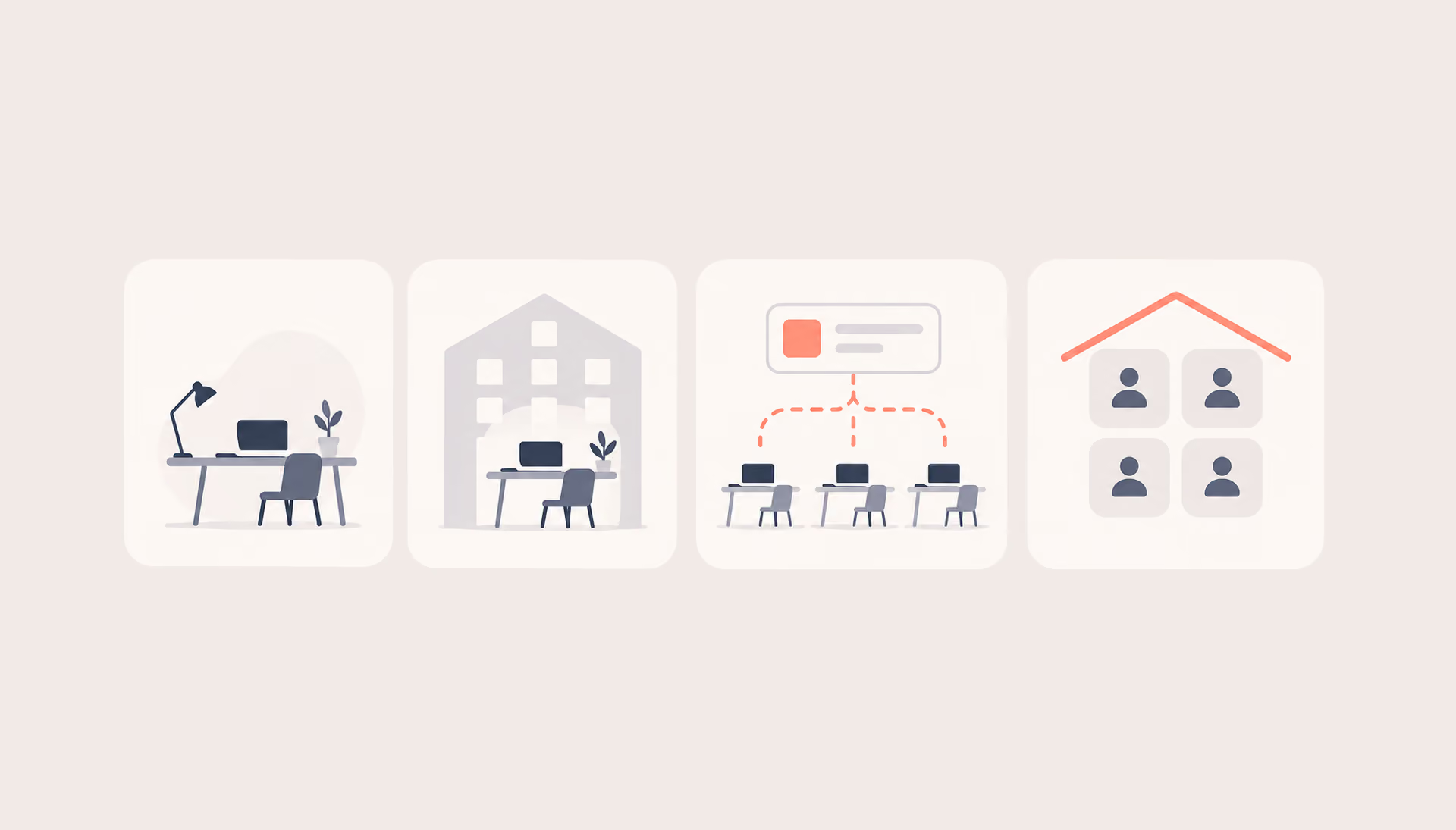
Freelancers can be a cost-effective option, typically charging $15–80/hour, with senior specialists charging $100–150/hour. A full MVP design from a freelancer often costs $1,500–12,000. This choice has two possible disadvantages. First, you take on the management: writing requirements, reviewing quality, keeping the schedule, and coordinating handoff with developers. Second, working with one designer creates a dependency: if they become unavailable, the project may be delayed.
Good fit for: simple MVPs, small visual refreshes, or a single well-defined feature.
An in-house designer can develop deep product knowledge and work closely with the team on ongoing improvements. The cost is substantial: in the U.S., the median annual wage for web and digital interface designers was $104,000 in May 2025, according to the Bureau of Labor Statistics. On top of that come benefits, payroll taxes, hardware, tool licenses, and recruiting time.
A single hire also rarely covers every skill a new app needs (research, interaction design, visual design, motion). And when design demand drops after launch, the salary stays the same.
Good fit for: established products that ship design changes every week.
Rates for a dedicated outsourced team usually fall around $30–90/hour, lower in offshore regions, with project costs often in the $3,000–25,000 range. You get an established workflow and can scale capacity up or down without adding headcount.
Clear briefs, scheduled review milestones, and agreed overlap hours across time zones keep outsourcing efficient. Without clear communication and regular feedback, misunderstandings can lead to revisions and delays.
Good fit for: product teams that need additional design expertise or flexible capacity without expanding their in-house staff.
A mobile app design agency can provide access to UX researchers, UI/UX designers, motion specialists, and project managers under one contract, depending on the project’s needs. Rates range from $25–120/hour for offshore and hybrid teams to $100–200+/hour for specialized U.S. and UK studios. Projects run $8,000–100,000+ depending on complexity.
The higher upfront cost often comes with clearer responsibilities, quality checks, and a structured handoff to developers, so you don’t have to manage every design decision yourself. But design is only one part of your app’s total cost. You’ll also need to assess how much to budget for app development.
Good fit for: multi-role platforms and products where design and development need to move together.
{{banner-2}}
One way to estimate app design cost is to use a simple formula: (screen hours + additional project hours + contingency buffer) × hourly rate. The steps below show how to apply it.
Start by listing the core user journeys your first version needs to support, such as a client booking and paying for a session. Then identify the roles involved: a customer, a provider, and an admin may each need different flows.
After that, map the screens needed for each journey, accounting for shared layouts and additional states. Once you have a list, group the screens by complexity and apply the estimated hour ranges above. Then, account for project activities that aren’t tied to individual screens. These hours are indicative rather than mandatory — not every project needs all four phases in full:
Decide early whether to use regular iOS and Android components or create a more customized, brand-led interface. Standard components keep the estimate close to the baseline. Custom styling, illustrations, and motion each add to the total. If you need some, note which ones and price them as separate add-ons.
If budget is tight, consider designing for one platform first. Adapting the design for both iOS and Android typically adds 15–50% to the workload, while separate native designs cost more. Tablet layouts also require extra work, so each additional platform increases the overall design budget.
Make sure your estimate includes planned usability testing and design QA, accounting for any hours already covered in earlier phases. Then add a 15–20% buffer for additional feedback rounds, stakeholder changes, or unexpected revisions.
Multiply the total estimated hours by your chosen hourly rate to calculate the overall cost. Repeat the calculation with different rates to compare team options. Your estimate may fall outside the ranges in the table because actual design hours, hourly rates, and project requirements vary.
Once development begins, even a small change can affect multiple screens and workflows, increasing both costs and timelines. You won’t always know every detail of your app from the start, but the earlier you clarify the key decisions, the less expensive it is to make changes.
An MVP focuses on the core features needed to test your product’s main assumptions with real users. Designing only what’s needed for that first version can reduce the initial budget, while feedback from real users helps you decide which features to invest in next.
Within the MVP, give priority to screens that support core user journeys and critical actions. These deserve the most attention, since usability problems can prevent users from completing essential tasks. Help pages and rarely used settings can follow simpler layouts, while an admin panel may work with an off-the-shelf dashboard instead of a custom design.
Start with an existing component library instead of building every UI element from scratch. Reusing buttons, forms, navigation patterns, and other components can reduce design time and keep screens consistent. Build custom components only where the product needs something the library cannot support.
Start with standard UI components and simple visuals instead of investing in custom illustrations, 3D assets, and decorative animations. Keep animations that help users understand what’s happening, such as loading indicators, action confirmations, and transitions between screens. You can introduce more elaborate visuals in later releases if user feedback or usage data shows they’re worth the extra cost.
A clear brief can save money, too. So, before requesting quotes, outline what you need designed and share the key details:
With these in hand, designers can prepare estimates based on the same initial requirements, making proposals easier to compare and reducing mid-project changes. Agree in writing on deliverables, screen count, and the number of revision rounds before work begins.
Even with a carefully planned budget, certain mistakes can lead to unexpected design work and additional expenses. Here are some common pitfalls to watch for:
A professional mobile app design team can be worth the investment when mistakes are costly to fix, or your internal resources are limited. Here are four situations where outside expertise can make a difference:
The value of experienced UI/UX designers lies in their ability to challenge assumptions, spot gaps in requirements, and explain the trade-offs behind design decisions. That expertise matters most when a seemingly small interface choice can affect several workflows, user groups, or development priorities.
{{banner-3}}
The cheapest design quote isn’t always the most economical choice, and a higher price doesn’t guarantee a better result. What matters is whether the proposed work addresses your product’s real challenges and helps prevent avoidable costs later.
Before committing to a budget, examine what each proposal includes and whether the work justifies the investment. A well-planned design budget helps prevent extra costs from fixing issues that could have been caught earlier.
It usually costs $3,000–15,000 to design. The final price depends on how much research, prototyping, and custom styling the scope includes.
Screen count and the number of user roles have the biggest effect, because each role adds its own flows and screen states. Platform coverage, visual customization, and the depth of research and testing come next. The team’s location and seniority then set the hourly rate for those hours.
A freelancer can be a good choice for a simple MVP or a specific feature, especially if your budget is limited and you can manage feedback and coordinate with developers yourself. An agency may be a better fit for a more complex app, particularly in healthcare or fintech. You’ll get several specialists and someone to coordinate the work from research to developer handoff.
Yes. A full app design project typically covers UX research, user flows, wireframes, visual UI, prototyping, and developer handoff. However, the exact scope varies between providers, so check whether the quote also covers different screen states and revisions.
Simple apps usually have 5 to 15 screens, medium-complexity apps 15 to 40, and complex platforms 40 to 80 or more.


.avif)